 Built In Oasis

Marketing Master
Functional DemoMulti-tenant AI content and growth operating system that runs a portfolio of apps as one AI-managed business.
Fuel receipt capture, approval, and reimbursement automation for mobile teams.
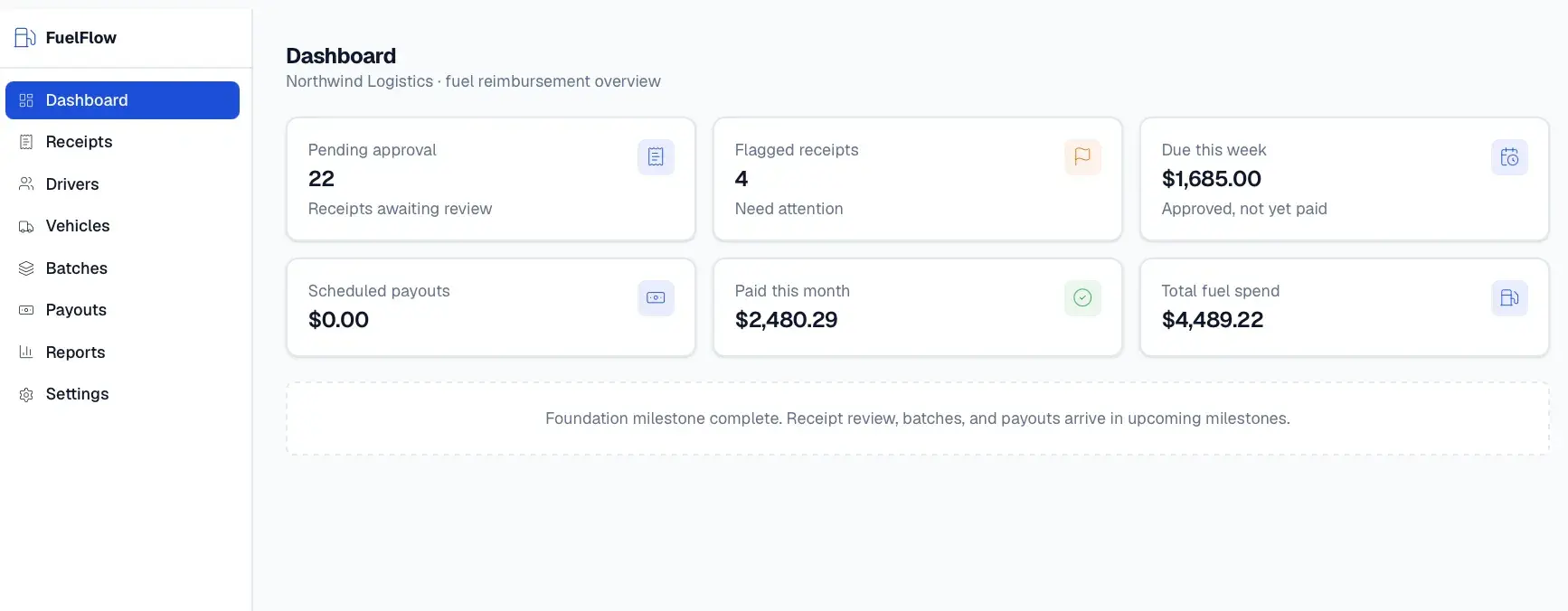
Companies with mobile drivers and field crews collect fuel receipts through texted photos, spreadsheets, and scattered payment tracking. Receipts get lost, reimbursements are delayed and disputed, and duplicate or suspicious submissions slip through. Admins have no clean, auditable path from a receipt to an accurate, on-time payout.
Built for Businesses with mobile drivers, field teams, and trucking operators, and the admins who reimburse them.
FuelFlow turns receipt scans into verified reimbursement batches and scheduled payouts. A driver scans a receipt, an OCR pipeline extracts the merchant, date, amount, and fuel details, and the driver confirms before submitting. Duplicate and fraud checks run across image hashes, perceptual hashes, and OCR field matching, and a rules engine decides auto-approval, review, or flag based on confidence and company limits. Admins review flagged receipts, group approved ones into weekly or monthly batches, and release payouts once batches are clean and drivers are payout-ready. Reports export to accounting-ready CSV and PDF.
Builds a receipt intelligence pipeline behind a provider abstraction (Veryfi, Textract, and a mock provider) with field normalization and confidence banding, a four-layer duplicate detection system, and a rules engine that gates auto-approval on confidence, limits, and fraud signals. Payout automation runs on background jobs and only marks receipts paid after provider confirmation, with audit logging throughout.
Not a generic expense platform. A focused fuel reimbursement automation system that turns receipt scans into verified batches and scheduled payouts.
Receipt scanner
Camera capture with client-side image quality checks.
OCR provider abstraction
Veryfi, Textract, and mock providers behind one interface.
Field normalization
Maps raw OCR into merchant, date, amount, and fuel fields.
Confidence scoring
High, medium, and low bands drive routing.
Duplicate detection
Exact hash, perceptual hash, and OCR field matching.
Fraud signals
Tampering, screenshot, and high-velocity detection flags.
Reimbursement rules engine
Decides auto-approve, review, flag, or reject.
Reimbursement batches
Groups approved receipts by weekly, biweekly, or monthly period.
Payout automation
Schedules and confirms payouts through a provider.
Admin receipt review
Queue with approve, reject, and request-clarification actions.
Driver dashboard
Pending, approved, scheduled, and paid totals in plain language.
Reports and exports
Driver, vehicle, and monthly reports in CSV and PDF.
Audit logging
Records before and after state for every decision.
Company workspaces
Multi-tenant companies with role-based access.
Driver
Admin
Approval routing decision
High-confidence receipts under limit can auto-approve.
Elevated risk routes to review or blocks submission.
Suspicious signals route to admin review.
Over-limit amounts require review.
Dates outside the allowed window require review.
Missing payout onboarding blocks payment.
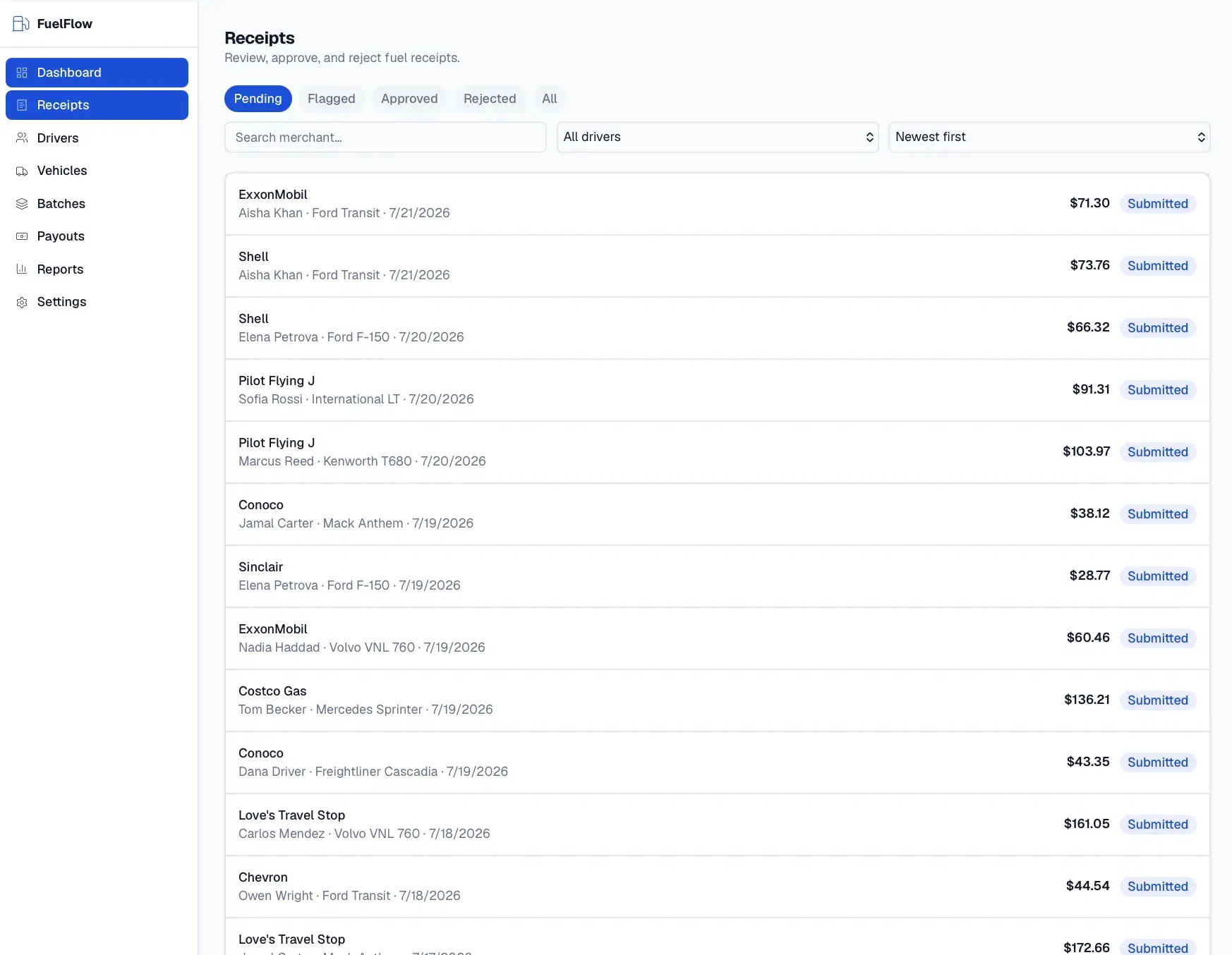
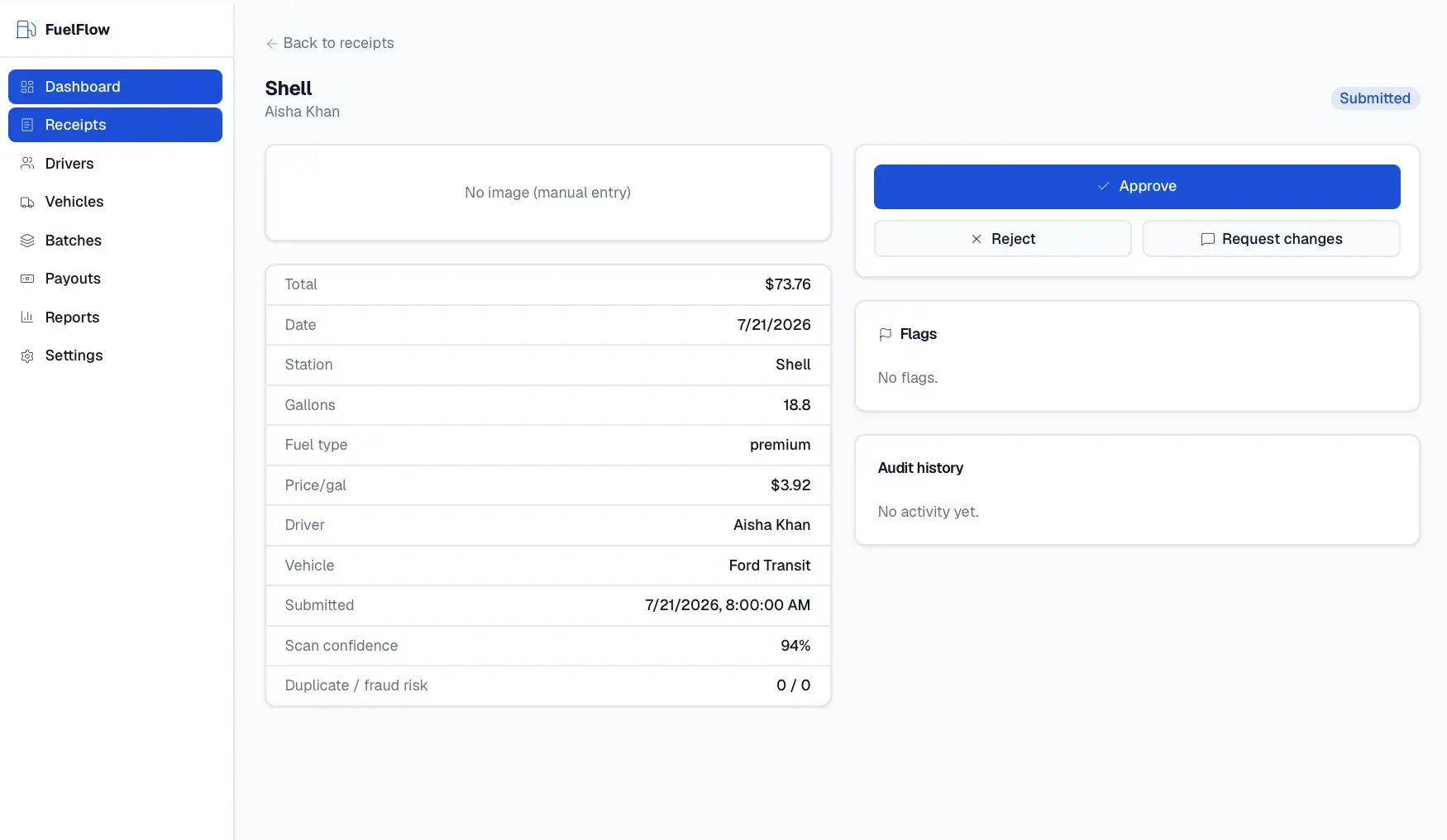
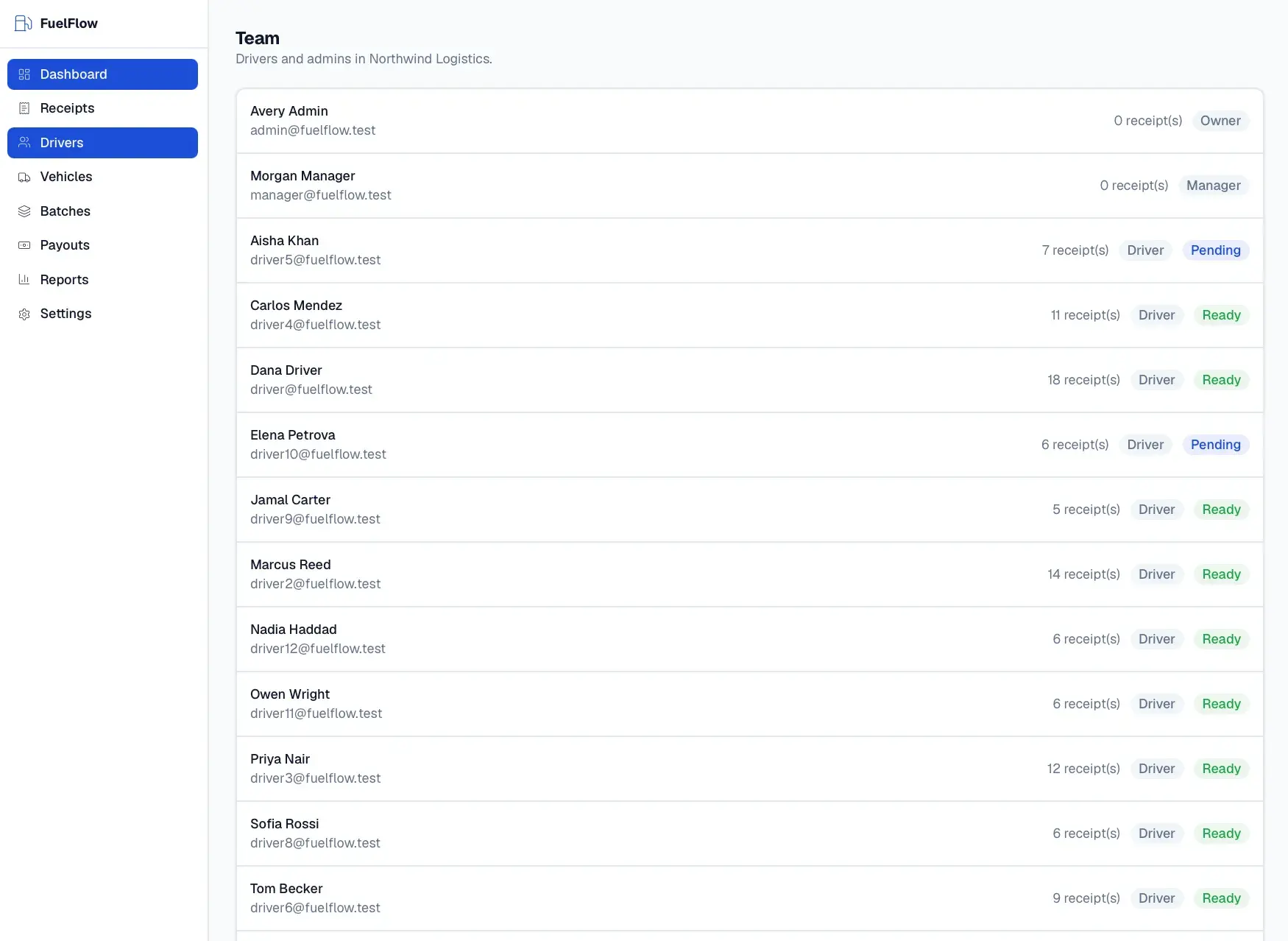
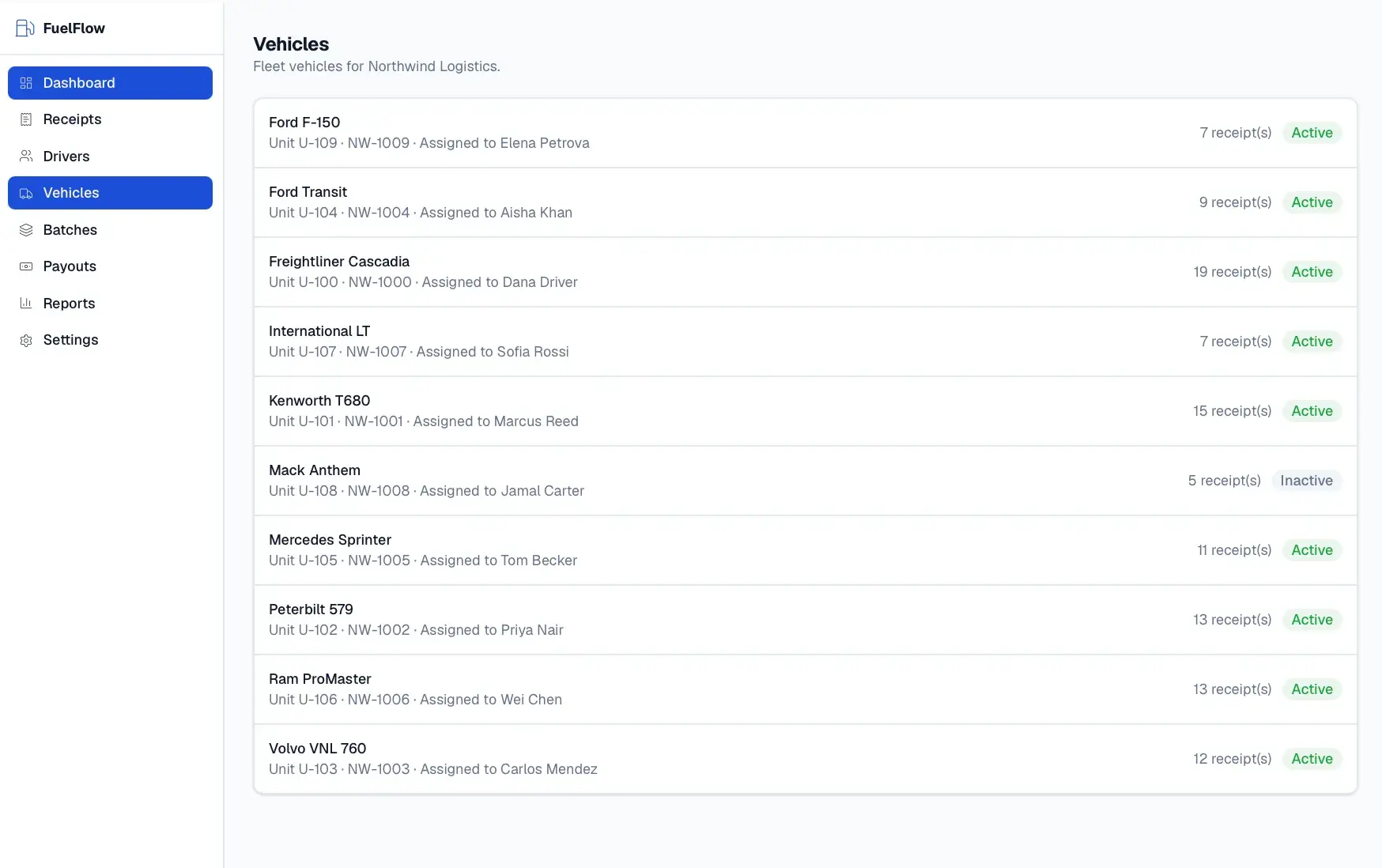
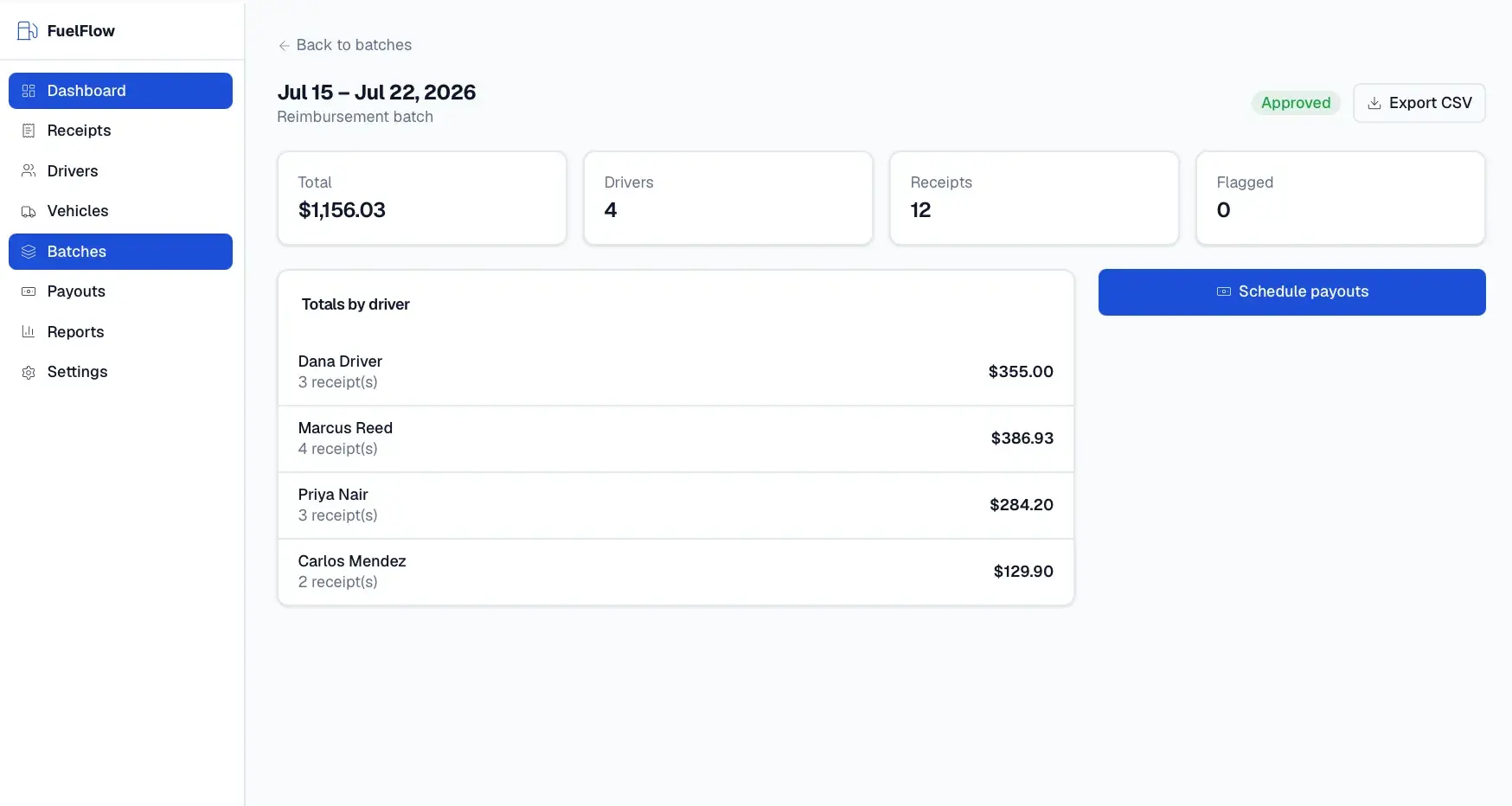
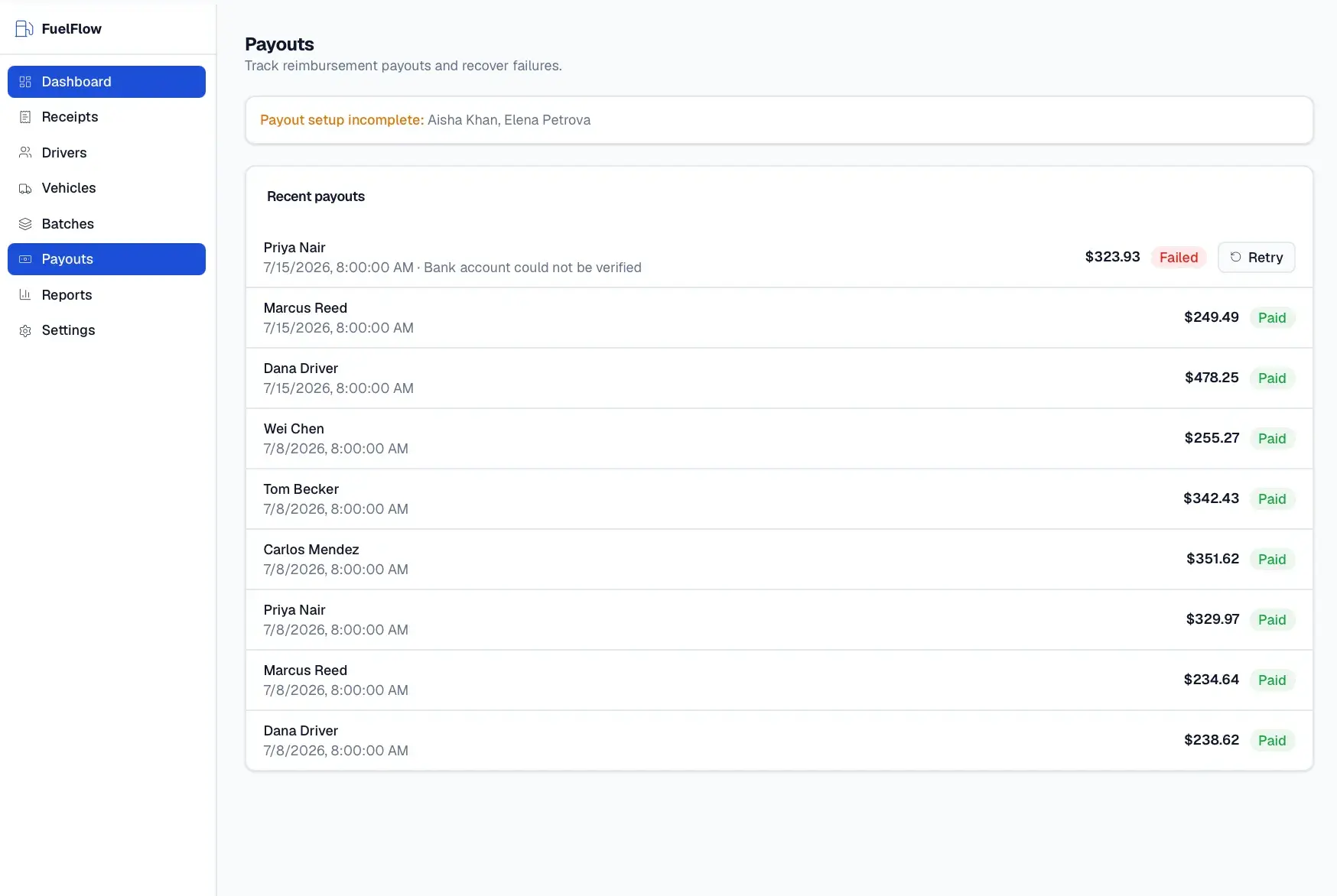
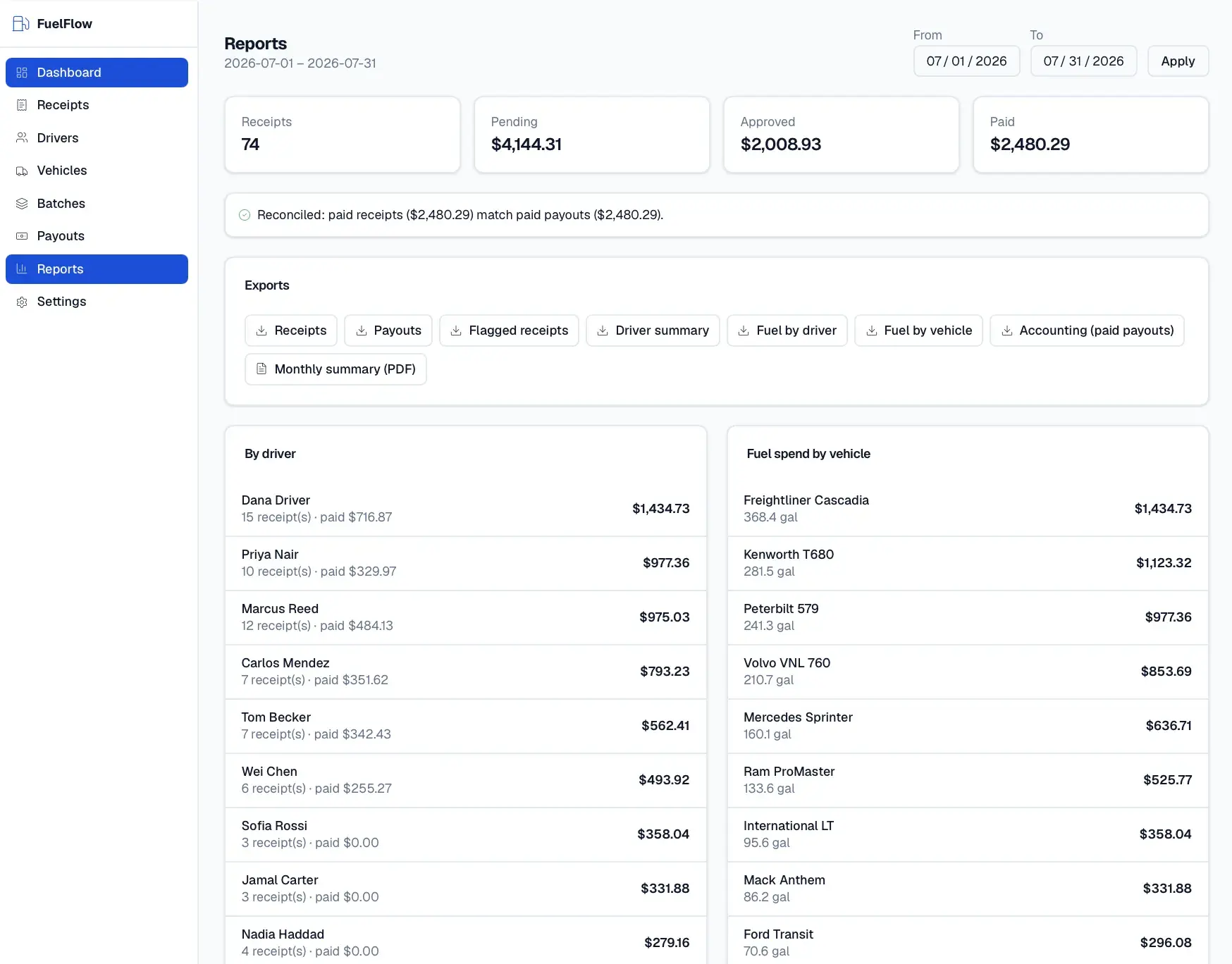
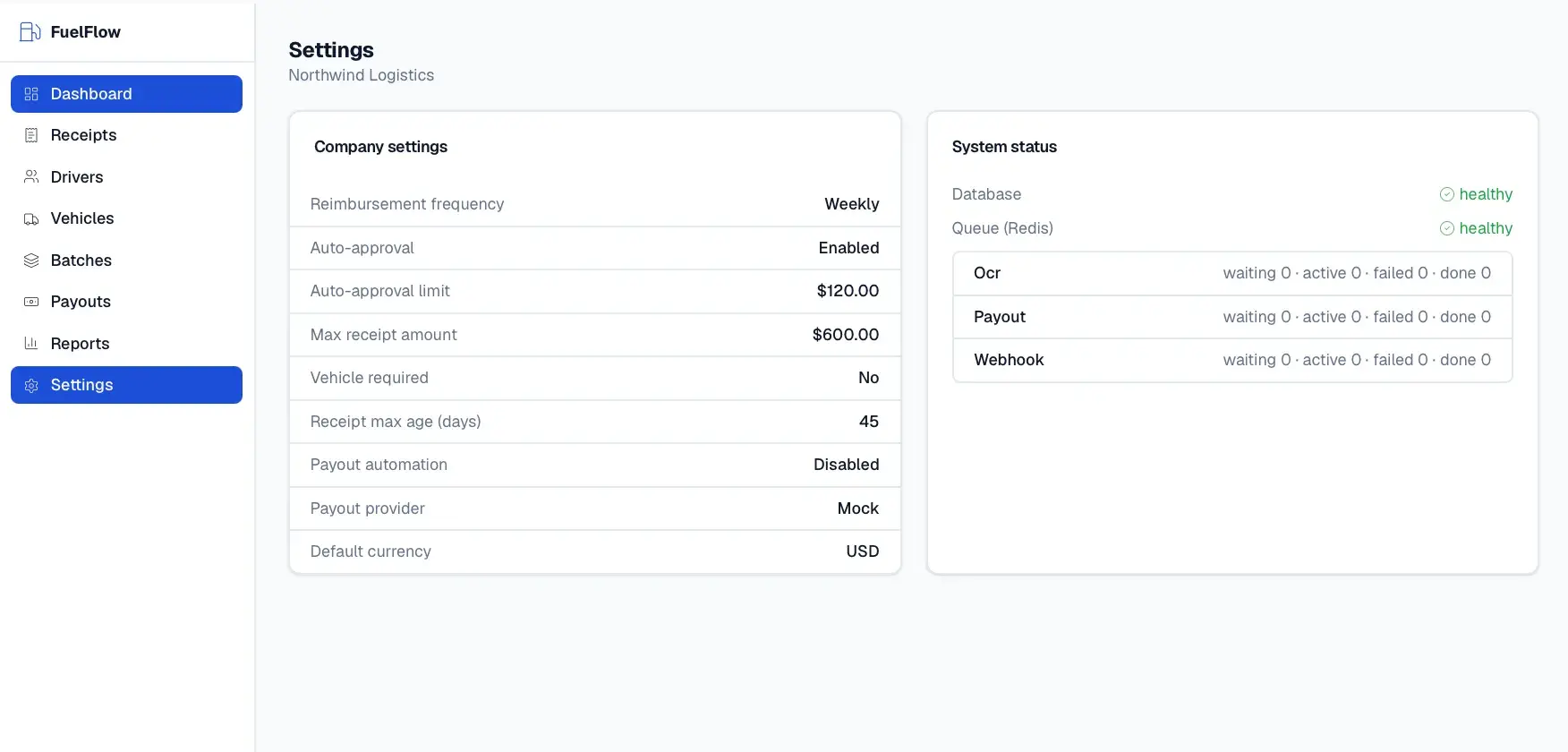
A Next.js and React application with a Prisma data layer over PostgreSQL, Redis and BullMQ for background OCR and payout jobs, and S3-compatible object storage for receipt images. Receipt OCR runs through AWS Textract behind a provider interface, and PDF summaries are generated server-side.
Multi-tenant AI content and growth operating system that runs a portfolio of apps as one AI-managed business.
Automated land acquisition platform: lead sourcing, valuation, outreach, contracts, CRM, and a buyer auction marketplace.
Central CRM that unifies a cluster of home-service apps under one role-based platform.
Start a project and reference this one — the conversation begins with what you have already seen.
Start a project