Functional DemoSaaS

Supplement Tracker

Insurance supplement management for roofing contractors, with adjuster communication and AI.
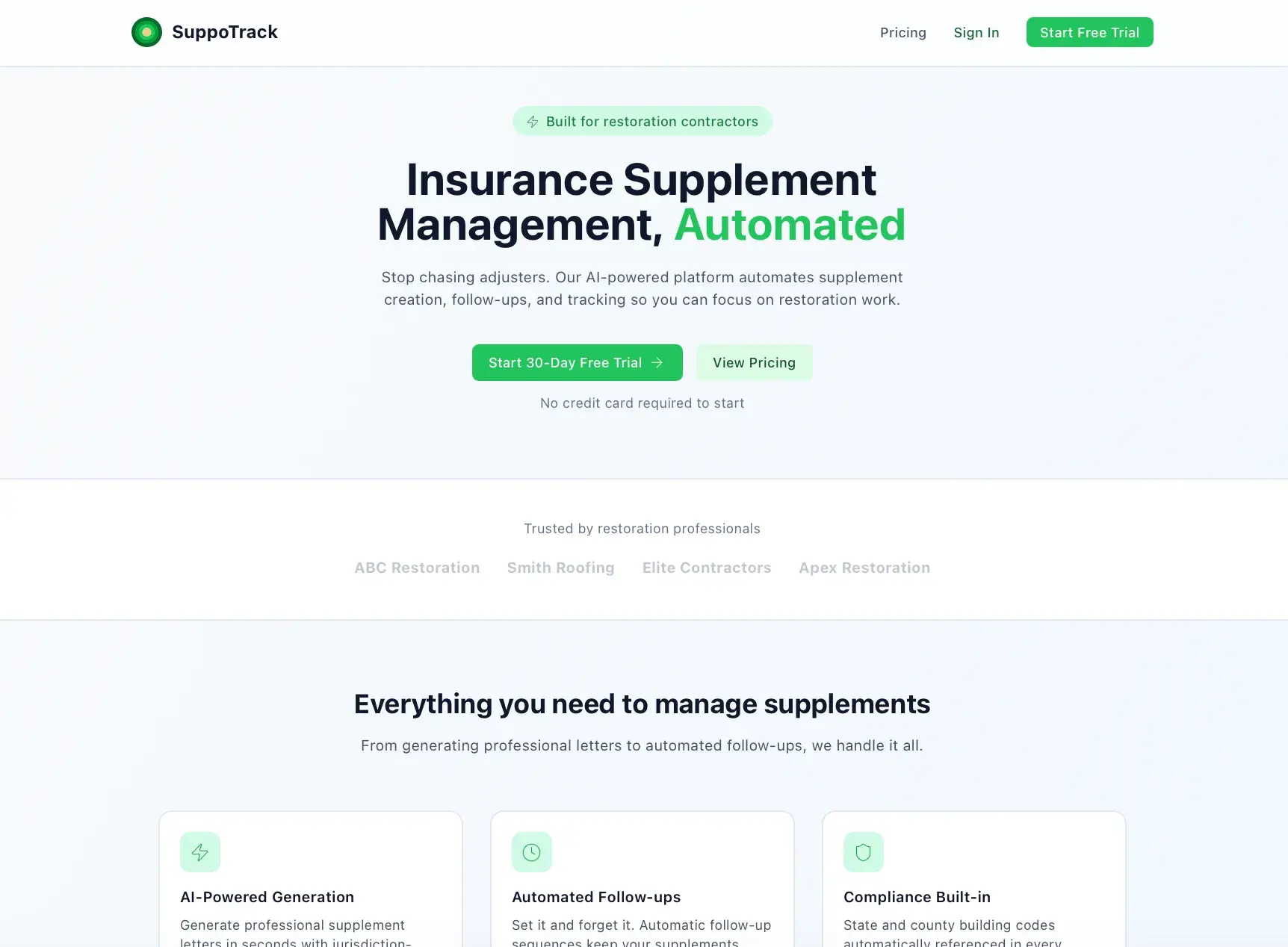
SuppoTrack marketing landing page headlined Insurance Supplement Management, Automated, with trial buttons, trusted-by names, and feature cards for AI generation and follow-ups
SuppoTrack landing page

What it solves

Roofing contractors chasing insurance supplements juggle claims, carriers, and adjuster correspondence across email and spreadsheets, and follow-ups slip through the cracks. Without a system, supplement status is hard to track and replies from adjusters get lost. This app centralizes supplements, automates follow-ups, and keeps adjuster communication threaded in one place.

Built for Roofing contractors managing insurance supplements.

Overview

Supplement Tracker manages insurance supplements for roofing contractors. Contractors create and track supplements through workflow stages from draft to sent, in review, and approved or denied, organized by insurance carrier and claim job. Supplement letters go to adjusters by email, with inbound replies received via webhook and kept in message threads, and AI provides supplement review, message classification, and draft replies. Automated follow-up sequences, escalation triggers, and homeowner notifications keep claims moving, and the app supports supplement images with annotations, a building code requirements library by jurisdiction, templates, CSV and PDF export, an analytics dashboard, two-factor authentication, and audit logging for compliance.

What this demonstrates

Implements a status-driven supplement workflow with automated follow-up rules, escalation, and background task processing on a queue. Builds two-way adjuster email: outbound letters plus inbound reply handling via webhook, threaded into conversations, with OpenAI used to classify messages and draft replies. Adds PDF generation via headless browser, S3/R2 file storage, two-factor authentication, Sentry monitoring, and audit logging for compliance.

What makes it different

It keeps every supplement, adjuster reply, and follow-up for a claim in one threaded workflow instead of scattered across email and spreadsheets.

  • Status-driven workflowSupplements move Draft to Sent to In Review to Approved or Denied.
  • Automated follow-upsConfigurable rules, sequences, and escalation triggers keep claims moving.
  • Threaded adjuster communicationOutbound letters and inbound email replies are kept in message threads.
  • AI assistanceReviews supplements, classifies replies, and drafts responses.
  • Carrier and claim organizationSupplements are grouped by insurance carrier and claim job.
  • Compliance and securityAudit logging, two-factor authentication, and GDPR data tooling.

Core capabilities · 17

  • Supplements

    Create, track, and manage supplements through workflow stages.

  • Status timeline

    Draft, Sent, In Review, and Approved or Denied progression.

  • Insurance directory

    Insurance carriers and their adjuster contacts.

  • Claim job organization

    Supplements grouped under claim jobs.

  • Adjuster letters

    Send supplement letters to adjusters by email.

  • Inbound email threads

    Receive adjuster replies via webhook and thread the conversation.

  • AI review and replies

    Supplement review, message classification, and draft-reply generation.

  • Follow-up automation

    Follow-up rules, sequences, and escalation triggers.

  • Homeowner notifications

    Notify homeowners and alert contacts on status changes.

  • Supplement images

    Attach and annotate supplement images.

  • Building code requirements

    Code requirements library organized by jurisdiction.

  • Templates

    Reusable supplement and follow-up templates.

  • File storage

    File assets stored on S3 or Cloudflare R2.

  • Export

    CSV and PDF export of supplements.

  • Analytics dashboard

    Supplement metrics and usage tracking.

  • Two-factor authentication

    TOTP-based 2FA with QR enrollment.

  • Subscription billing

    Stripe-based subscription management.
How it works

  1. Create a supplement under a carrier and claim job
  2. Draft or generate the letter with AI assistance
  3. Send it to the adjuster by email
  4. Track status from Draft through Approved or Denied
  5. Let follow-up rules and escalation fire automatically
  6. Receive adjuster replies threaded in the inbox
  7. Use AI to classify and draft a response
  8. Export or report on the outcome

Key screens

  • DashboardSupplement metrics and status overview.
  • New SupplementCreate a supplement for a claim.
  • Data TrackerTrack supplement data and progress.
  • TimelineStatus timeline for a supplement.
  • InboxThreaded adjuster message conversations.
  • Insurance DirectoryCarriers and adjuster contacts.
  • TemplatesSupplement and follow-up templates.
  • SettingsAccount, automation, and integration configuration.
  • Two-Factor SetupEnroll TOTP two-factor authentication.
  • Supplement WidgetEmbeddable supplement surface.

Data model

  • Organization
  • User
  • ClaimJob
  • Supplement
  • SupplementImage
  • ImageAnnotation
  • SupplementTemplate
  • CodeJurisdiction
  • CodeRequirement
  • InsuranceCarrier
  • CarrierContact
  • MessageThread
  • Message
  • FileAsset
  • FollowUpRule
  • FollowUpSequence
  • FollowUpTemplate
  • HomeownerNotification
  • AlertContact
  • ApiIntegration
  • FollowUpTask
  • AuditLog
  • UsageTracking

Screens · 8

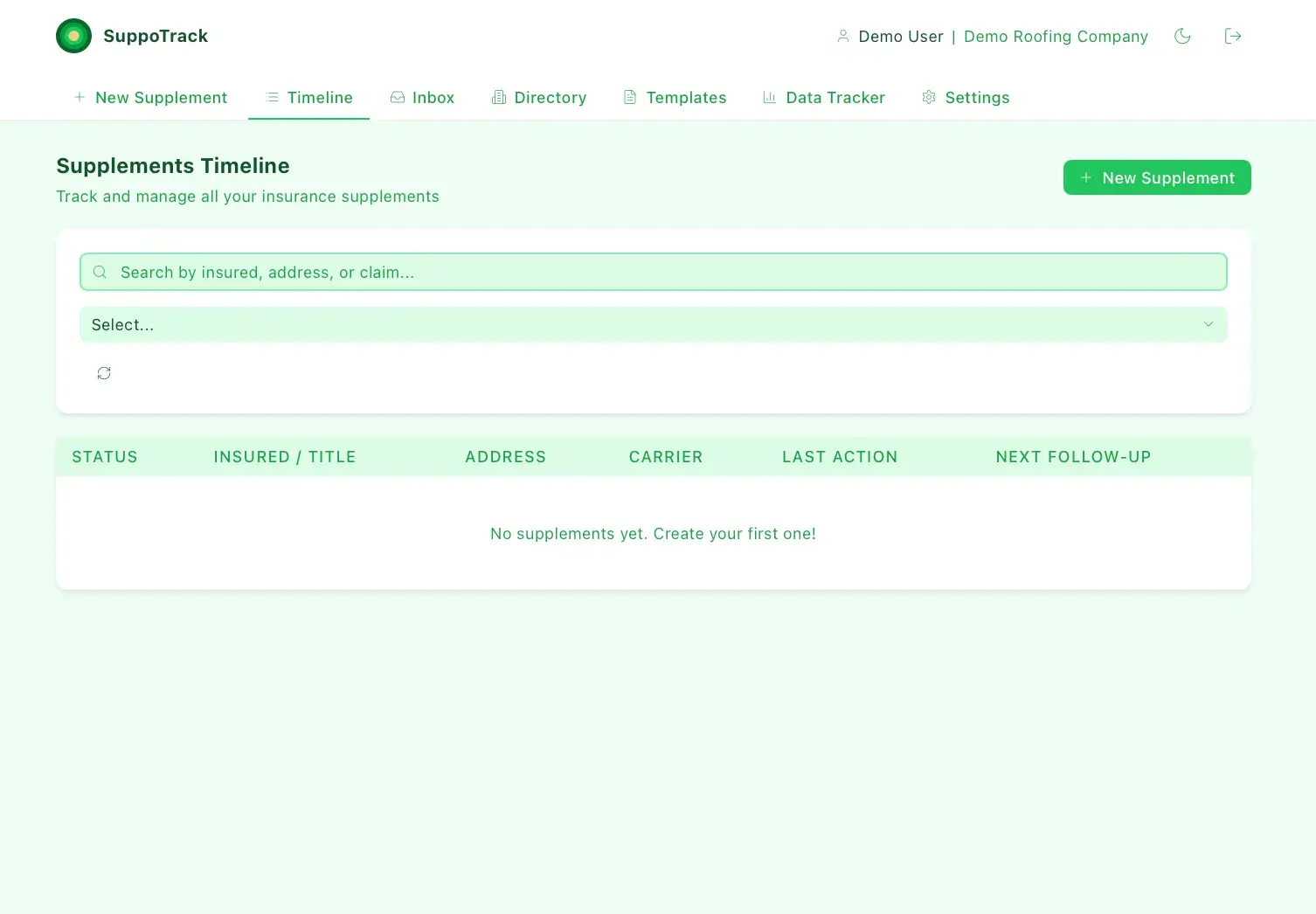
SuppoTrack Supplements Timeline for Demo Roofing Company with search and filter controls and an empty table reading No supplements yet
Empty supplements timeline
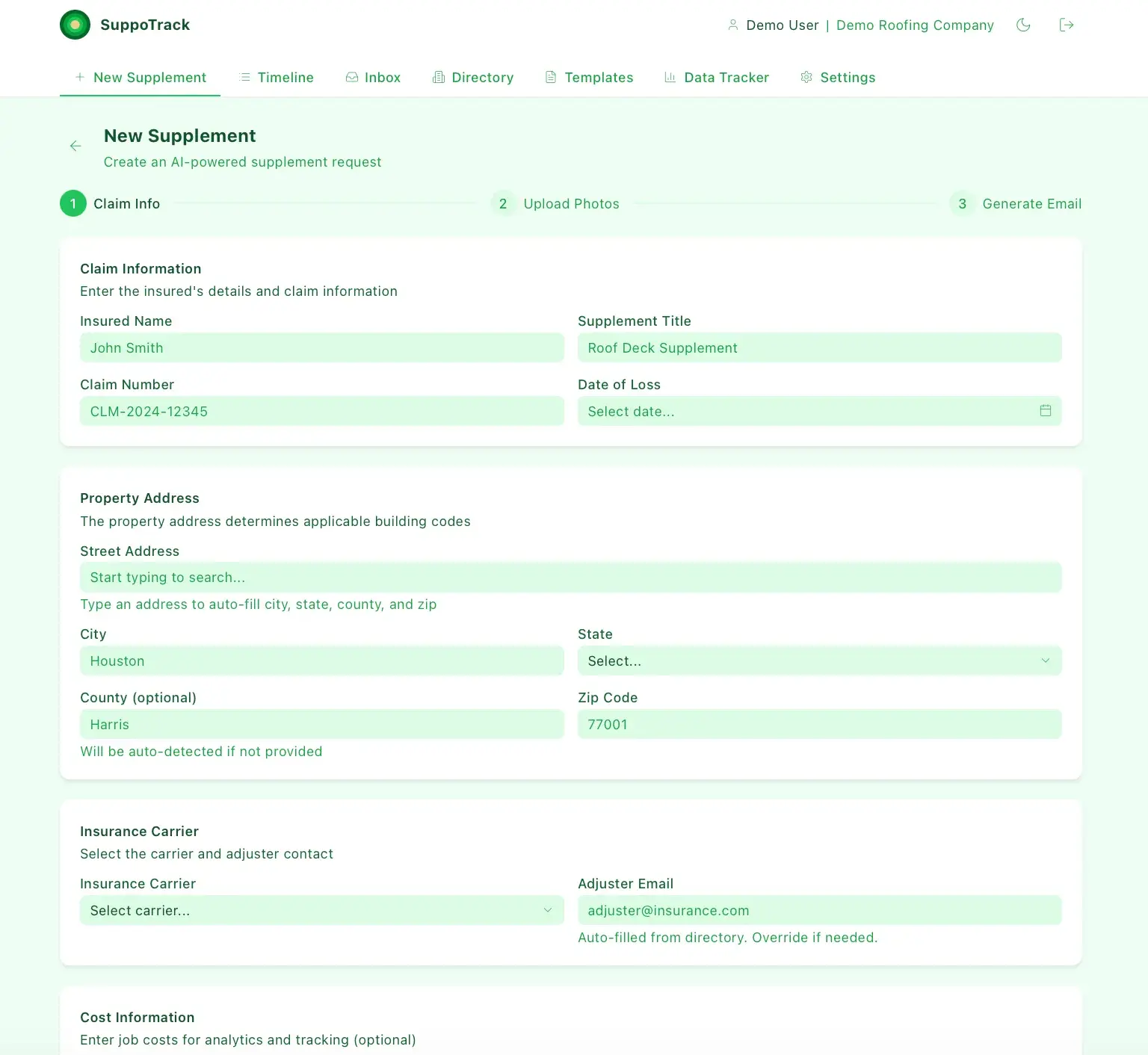
SuppoTrack New Supplement step 1 of 3 (Claim Info) form with insured name, claim number, supplement title, property address, and insurance carrier fields
New supplement claim info form
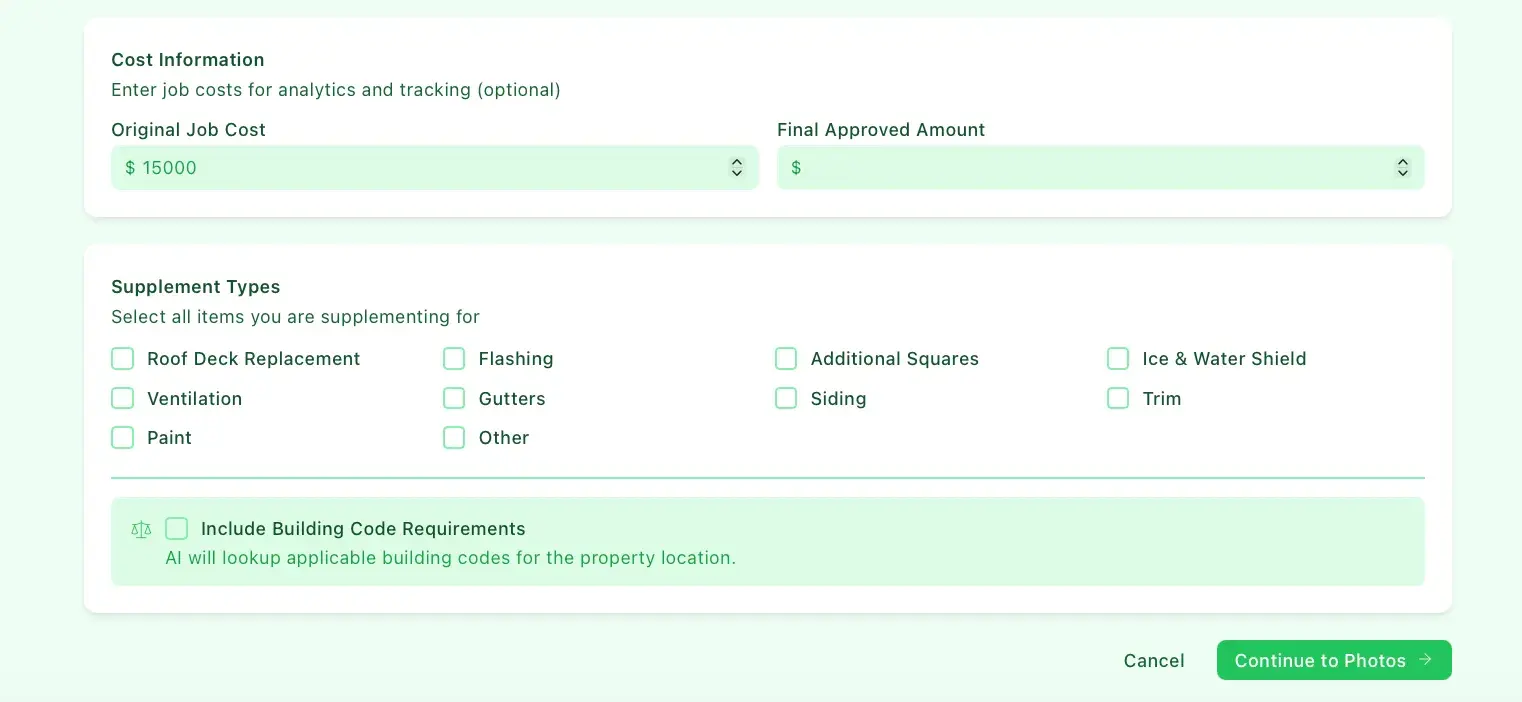
SuppoTrack new supplement form lower section with cost information fields and Supplement Types checkboxes (roof deck, flashing, gutters, siding, etc.) plus Continue to Photos
Supplement types and cost selection
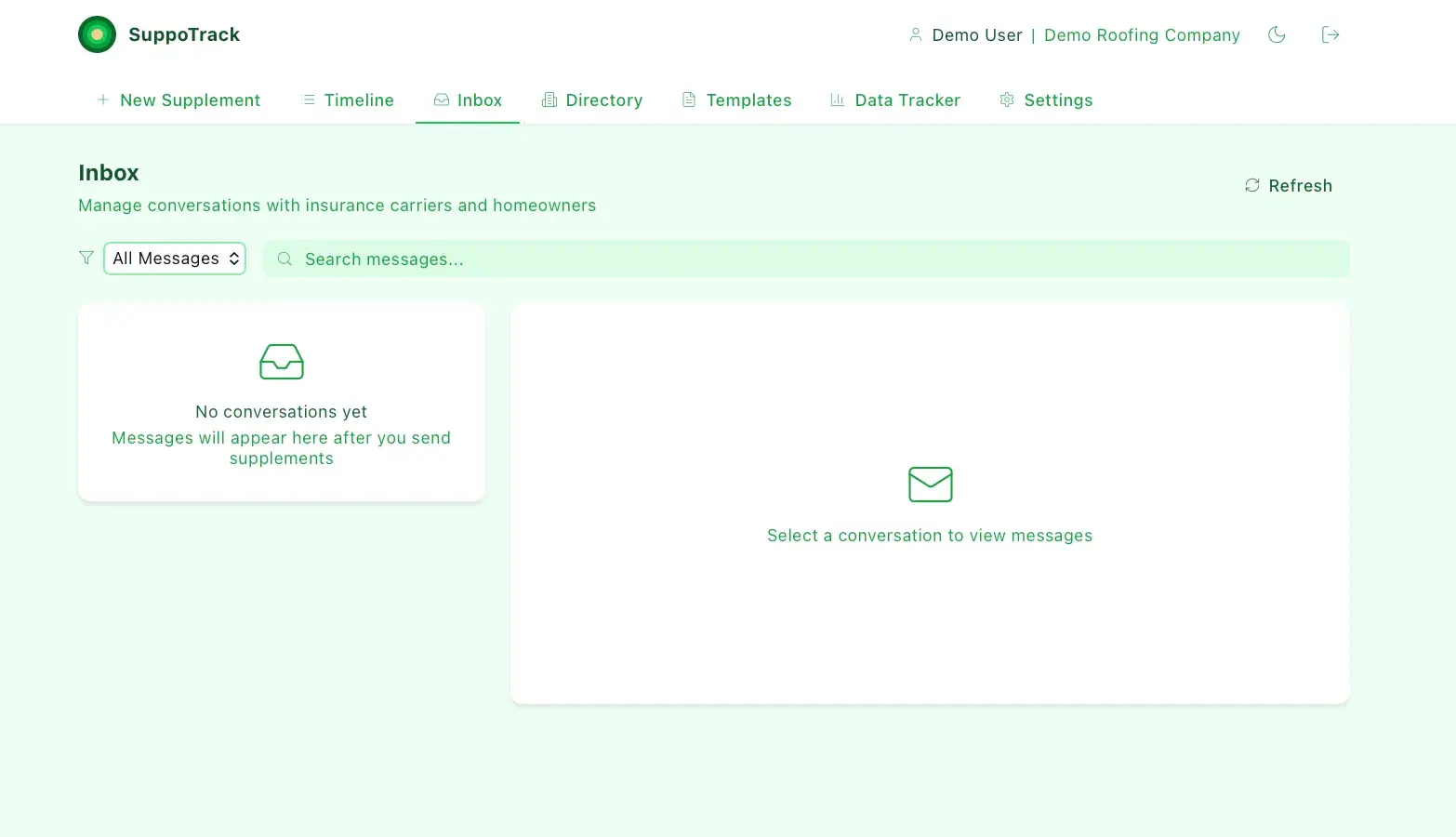
SuppoTrack Inbox for managing carrier and homeowner conversations, showing a No conversations yet empty state and a Select a conversation prompt
Empty inbox
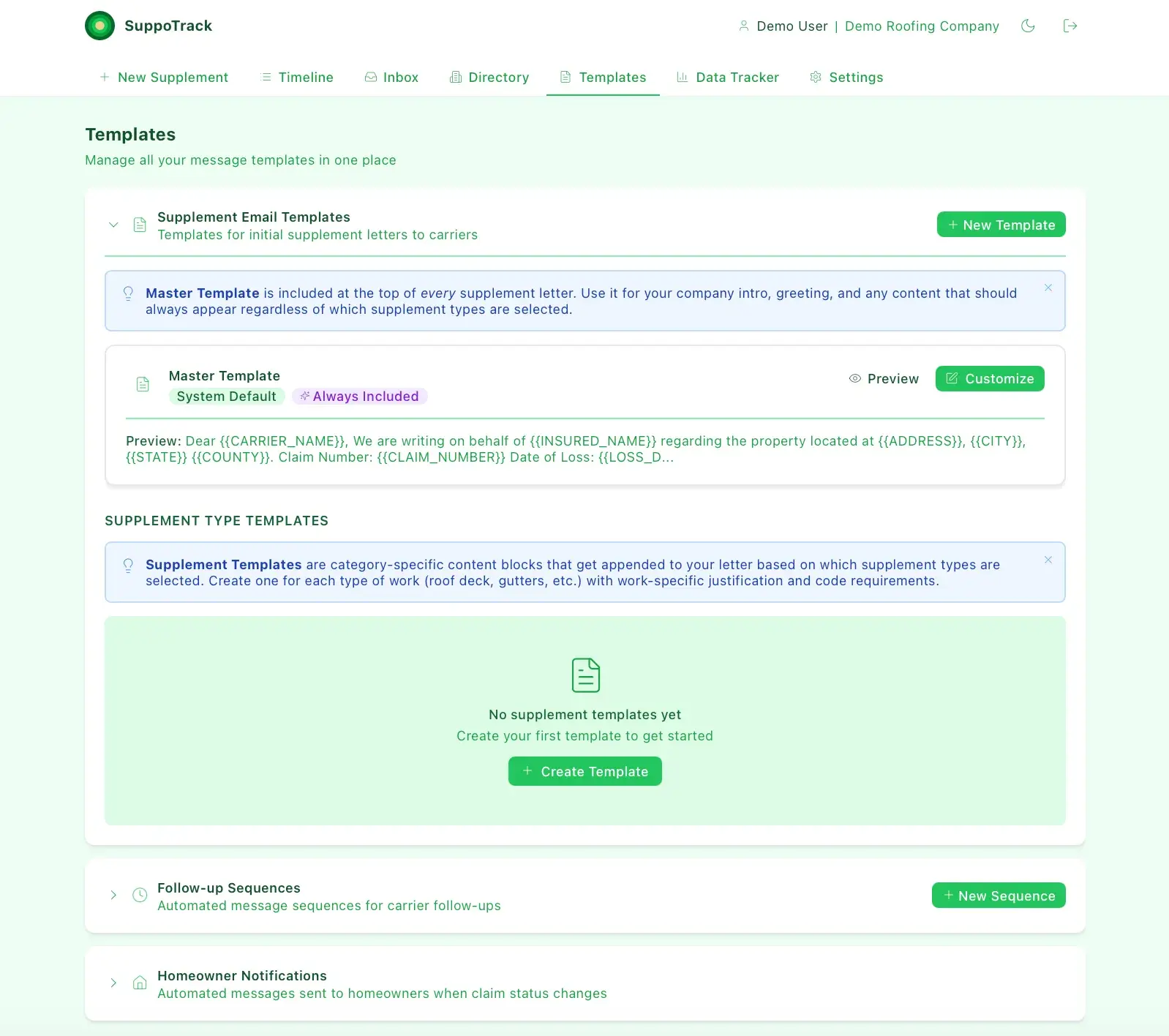
SuppoTrack Templates page with a Master Template for supplement letters showing a merge-field preview, and an empty supplement-type templates section
Supplement letter templates
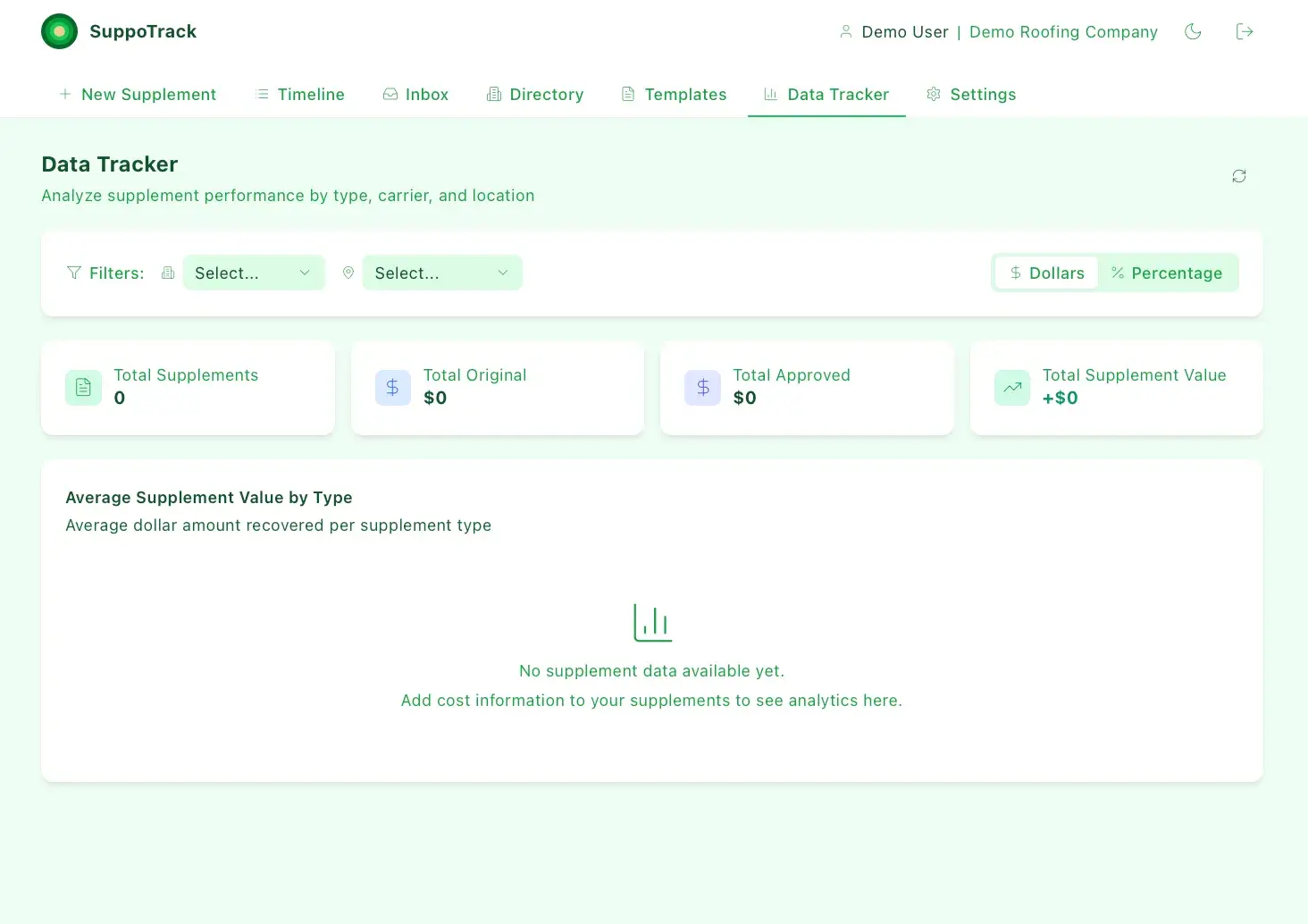
SuppoTrack Data Tracker analytics with filters and summary tiles all at zero (total supplements, original, approved, supplement value) and a no-data chart placeholder
Supplement analytics, no data yet
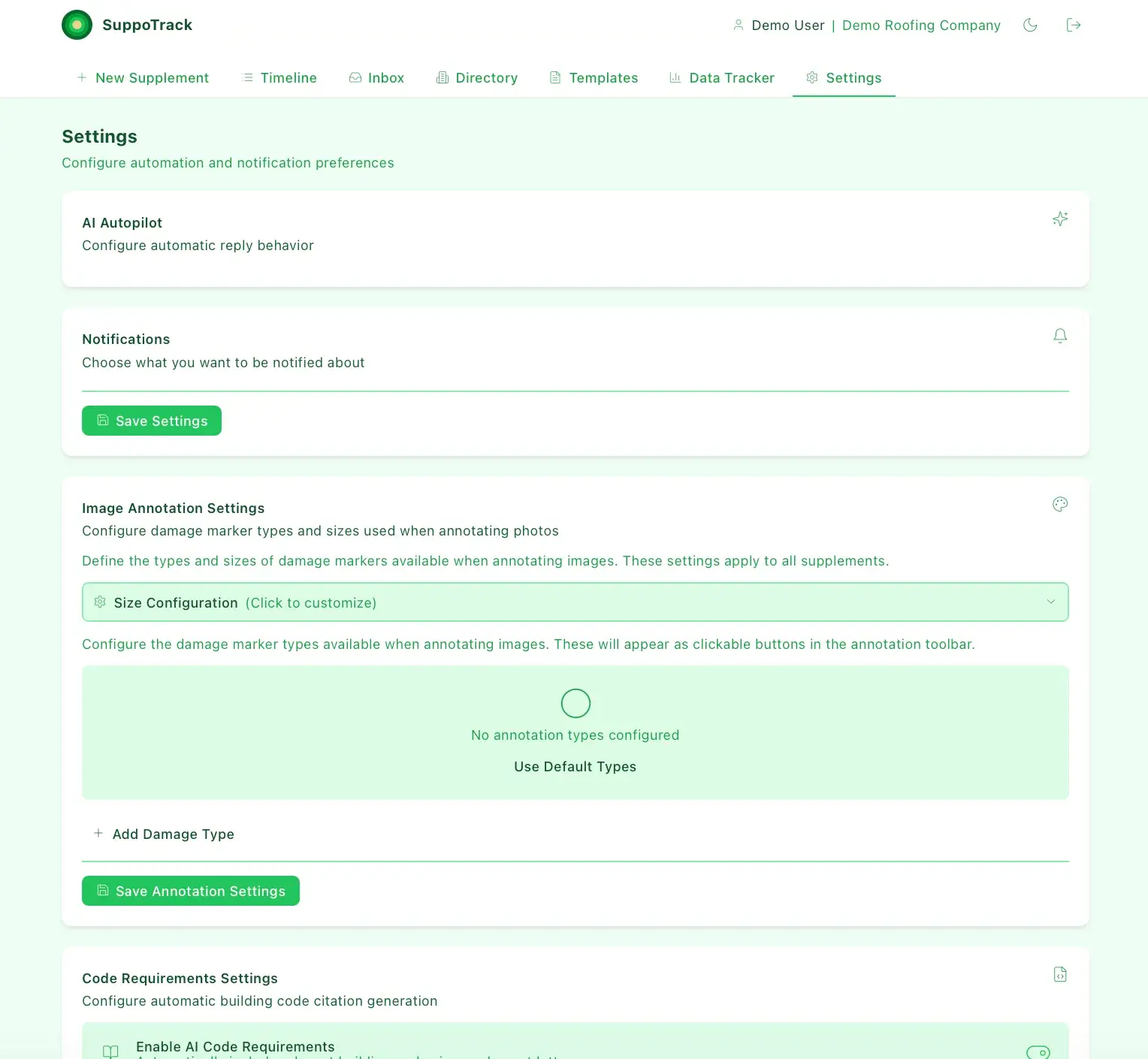
SuppoTrack Settings page with AI Autopilot, Notifications, and Image Annotation Settings sections; the annotation section shows no configured types and an Add Damage Type option
Automation and annotation settings
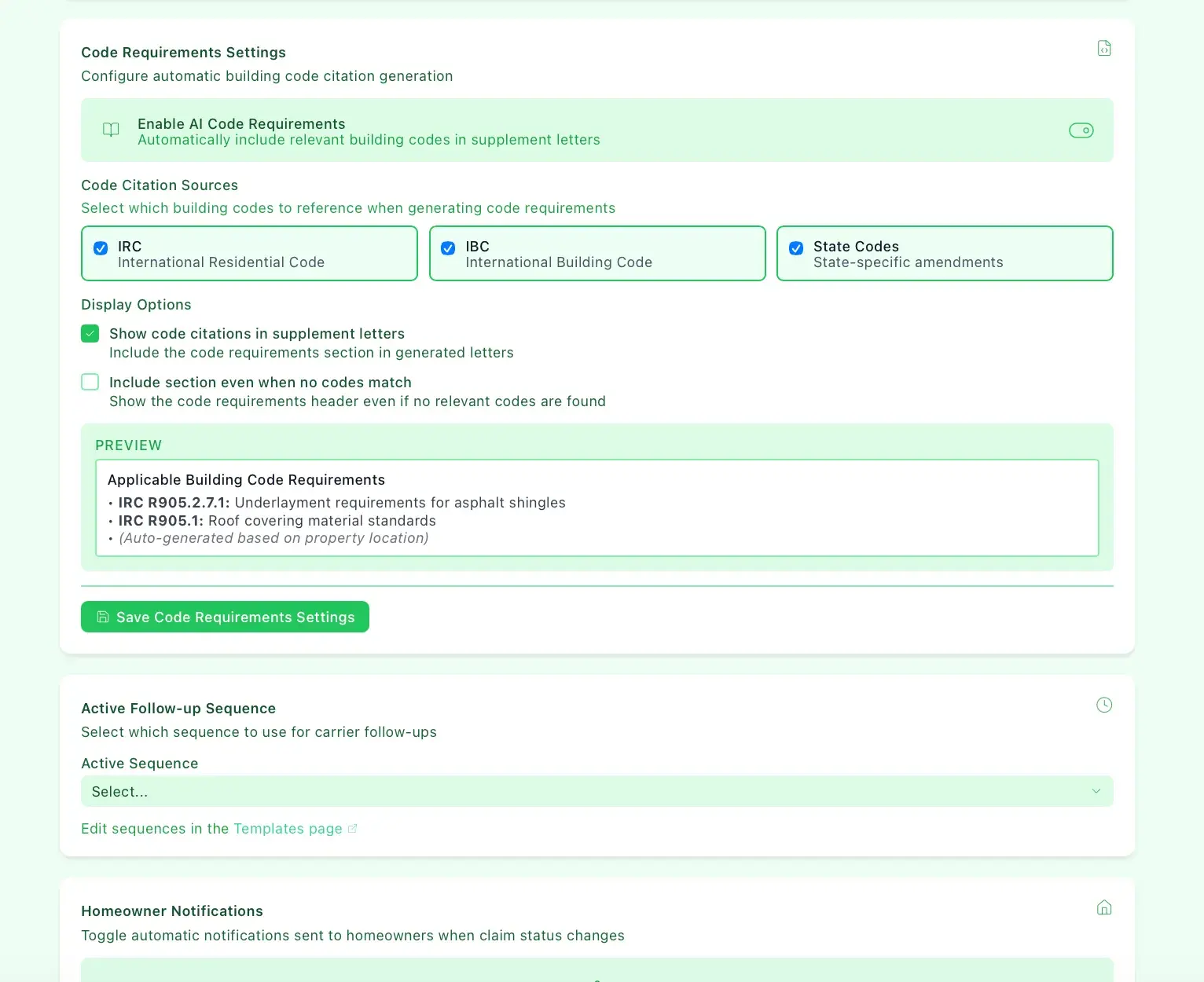
SuppoTrack Code Requirements Settings with AI code requirements enabled, IRC/IBC/State code sources checked, display options, and a preview of applicable building code citations
Building code citation settings

How it is built

A React and Vite front end calls an Express API backed by PostgreSQL through Prisma, with background follow-up jobs run on a BullMQ queue over Redis. Email goes out via SMTP through Nodemailer and inbound replies arrive on a secured webhook, while OpenAI handles review, classification, and reply drafting. Files are stored on S3 or Cloudflare R2, PDFs are rendered with Puppeteer, and Sentry captures errors across the stack.

APIs and services

OpenAI
Twilio
Stripe
SendGrid
AWS S3
Cloudflare R2
Sentry
Google Maps
Puppeteer

Classification

Industries
Home Services

Related work

AI Acquisition Hunter

In Development

An AI acquisition-intelligence platform that surfaces and scores off-market acquisition targets from public business signals.

Admin Portal

Functional Demo

Central analytics and management console for a suite of home-services sub-apps.

Building something with similar Workflow Automation, Notifications, Document Generation functionality?

Start a project and reference this one — the conversation begins with what you have already seen.

Start a project