 Built In Oasis


Supplement Tracker
Functional DemoInsurance supplement management for roofing contractors, with adjuster communication and AI.
Visual jobsite handoff and project timeline platform for construction crews and management.
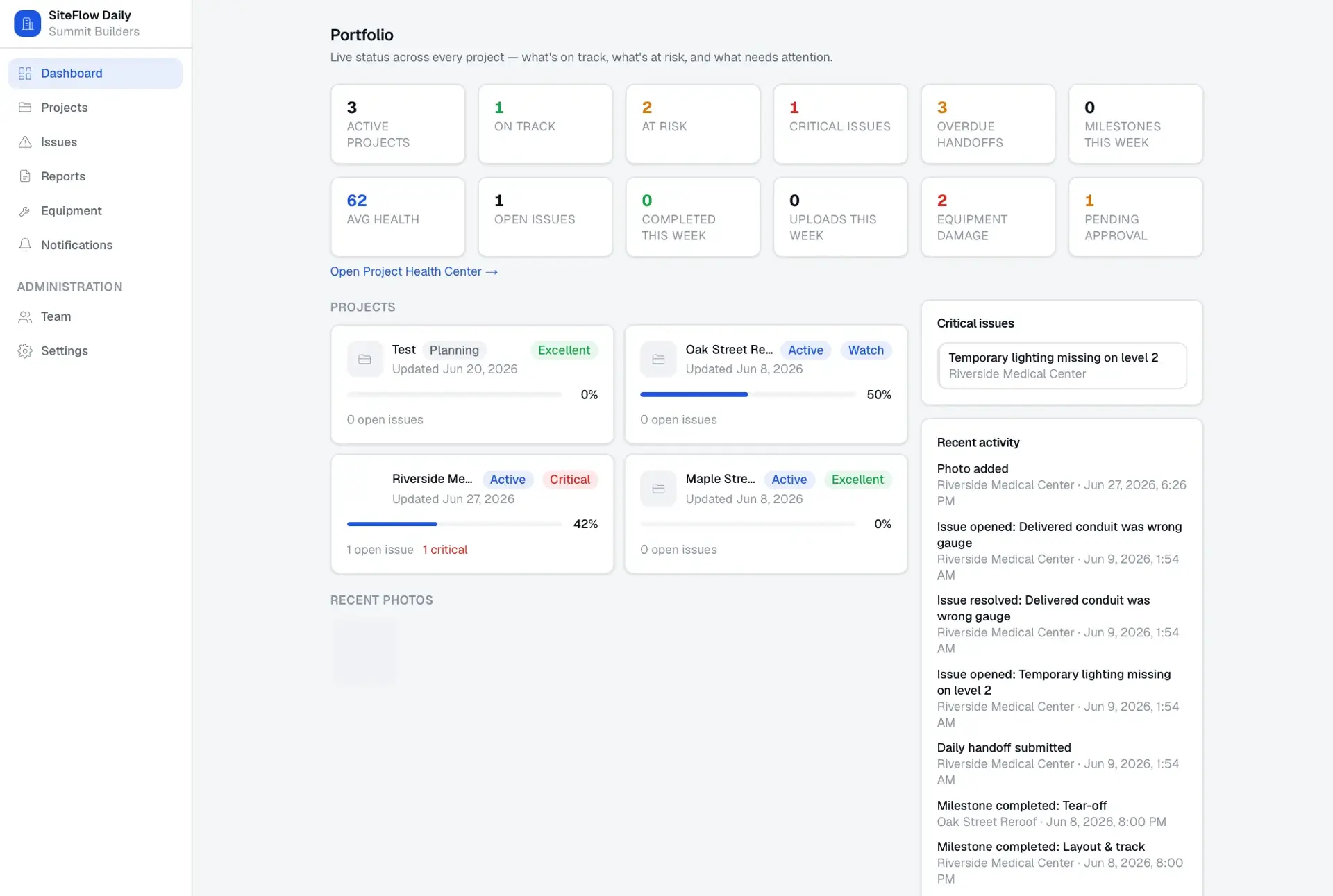
Field communication on construction projects is messy: crews text photos, scribble notes, and rarely leave the next crew a clean handoff. Daily-report tools focus on compliance logs rather than the real story of a project. Management has no live, visual view of what happened today, what is behind, or which issues are critical.
Built for Construction field crews, project managers, superintendents, and executives at contractors and project management firms.
SiteFlow Daily lets field crews document a shift in under two minutes: what got done, what is unfinished, what the next crew needs to know, photos, issues, and milestone updates. Those entries feed a visual project timeline and roll up into project and portfolio dashboards for managers and executives. It supports simple single-timeline jobs and complex multi-trade projects with trade-specific milestones and completion rollups. Issues can be flagged and routed to responsible contacts, and reports export to PDF and CSV. An AI layer cleans up field notes and drafts summaries without inventing official records.
Builds a multi-tenant, organization-scoped SaaS with offline-ready draft capture, a timeline generation engine that aggregates handoffs, photos, issues, and milestones into one feed, and an explainable project health score computed from milestone and issue signals. Includes a provider-adapter integration architecture with per-provider configuration status and an AI assist layer constrained from fabricating project data.
Most daily-report tools focus on compliance logs. SiteFlow Daily focuses on crew-to-crew handoff, visual timeline storytelling, and executive project visibility.
Authentication and organization setup
Org accounts with role-based permissions.
Project creation
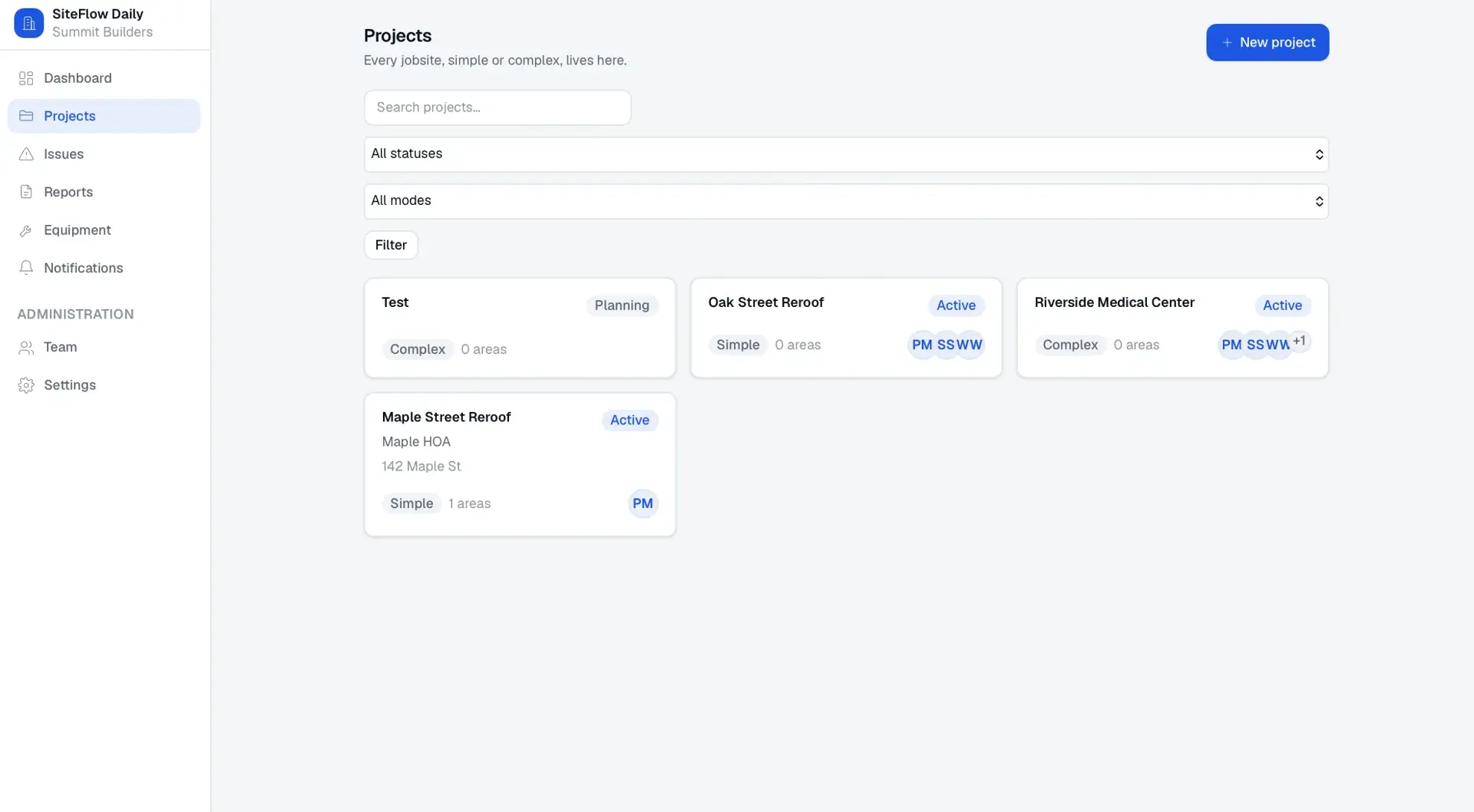
Simple single-timeline or complex multi-trade project modes.
Trade group management
Project-specific or template-based workstreams with their own timelines.
Milestone management
Measurable steps with target dates, checklists, approvers, and dependencies.
Daily handoff creation
Structured end-of-shift report of completed, unfinished, and next-crew work.
Photo and video documentation
Media linked to handoffs, issues, milestones, and areas.
Visual project timeline
Chronological feed built from handoffs, photos, issues, and milestones.
Trade-specific timelines
Per-trade progress and completion on complex projects.
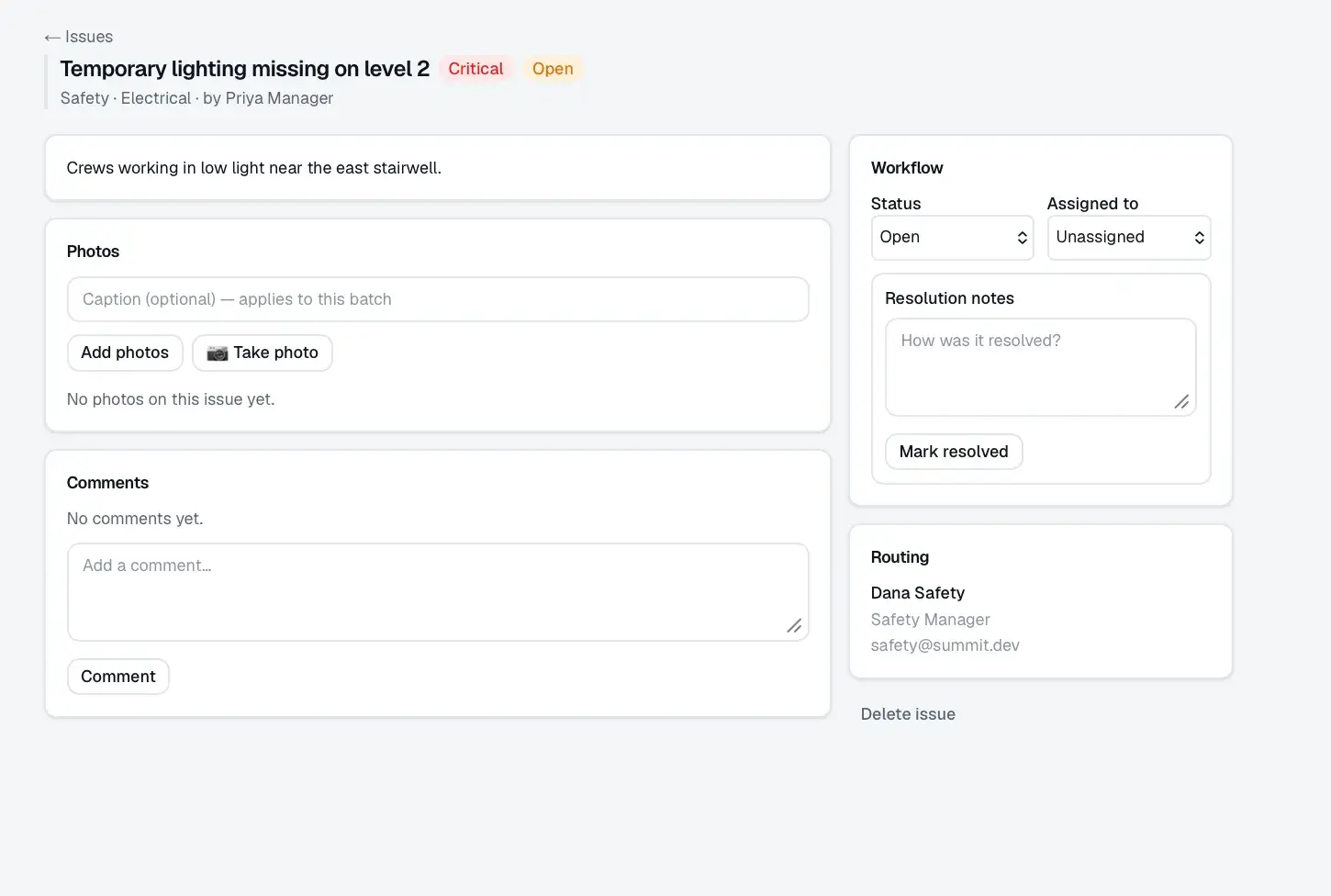
Issue escalation
Categorized, severity-ranked field issues with status workflow.
Responsible person routing
Escalation contacts matched by category and trade.
Project dashboard
Completion, health, latest handoff, open issues, and trade progress.
Portfolio dashboard
Cross-project health, at-risk projects, and executive photo feed.
Report exports
Daily, date-range, insurance-ready, photo, and issue PDF/CSV reports.
Offline-first field capture
Local draft persistence with unsynced state and retry.
Notification system
Action-based alerts across in-app, email, and messaging channels.
Integration adapters
Provider connections with unconfigured-status handling.
AI summary and cleanup layer
Note cleanup and summaries that never invent official data.
Audit logs
Records sensitive actions with before/after state.
Field crew
Project manager
Executive
Project Health Score
How much of the scheduled work is done.
Milestones past their target date.
Unresolved high-severity problems.
Outstanding safety concerns.
Days without a required handoff.
Freshness of updates on the project.
Whether work is backed by photo proof.
Approvals recorded against milestones.
Spread between trades that are ahead and behind.
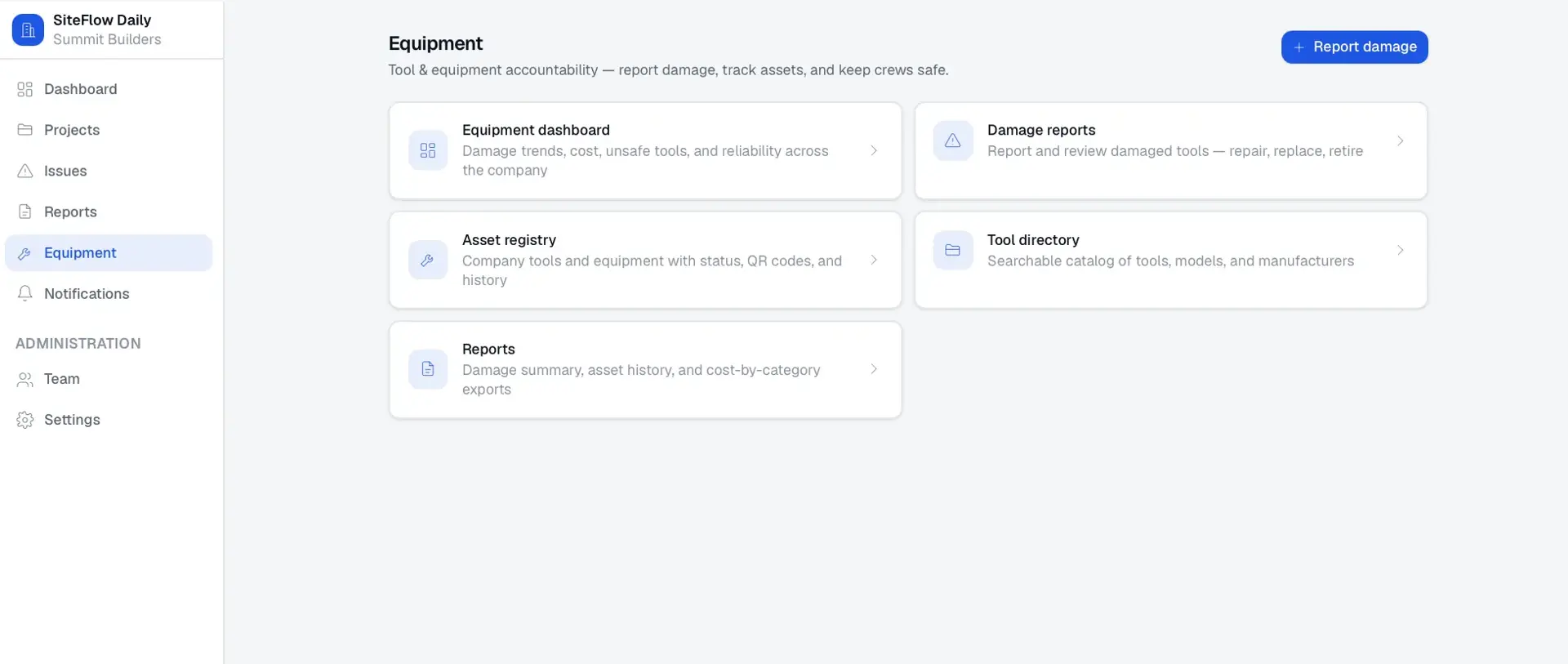
A Next.js and React application backed by PostgreSQL through Prisma, with S3-compatible object storage for photos and videos and Redis-backed rate limiting. Integration adapters connect construction, storage, and communication providers, and AI features run through OpenAI.
Insurance supplement management for roofing contractors, with adjuster communication and AI.
An AI acquisition-intelligence platform that surfaces and scores off-market acquisition targets from public business signals.
Multi-tenant SaaS command center that parallel-dials opted-in leads and routes only answered calls to available agents.
Start a project and reference this one — the conversation begins with what you have already seen.
Start a project