 Built In Oasis


AI Due Diligence Machine
Functional DemoA first-pass AI diligence analyst that builds an acquisition risk profile from public data, APIs, and uploaded documents.
Generate investor-ready property comp reports with intelligent comparable analysis in minutes.
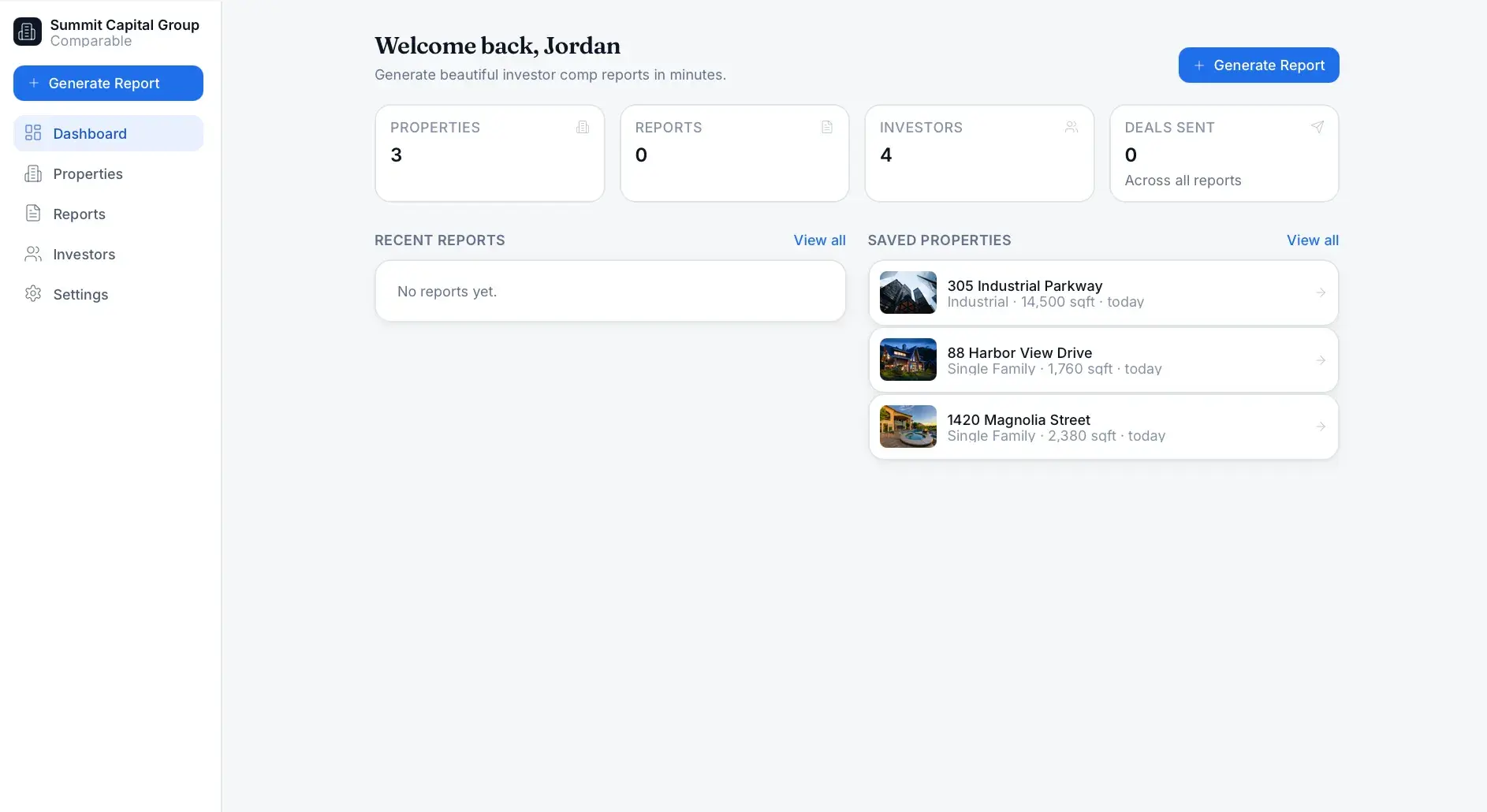
Most investor reports are ugly, spreadsheet-heavy PDFs that are time-consuming to create, inconsistent between team members, and hard to present professionally. Users waste time manually gathering property details, comparable sales, maps, photos, sale history, and offer calculations, and the results miss intelligent comp explanations.
Built for Real estate wholesalers, acquisition and disposition managers, investors, flippers, land investors, agents, investment firms, and hard money lenders.
The app generates premium investor-ready comparable reports in minutes. Users select a property type, enter an address with auto-fill, and adjust comp strictness via a simple slider that tunes radius and variance tolerances. A comparable engine pulls sales through property-data providers, scores similarity, and explains why each comp matches; comparable cards and detail views present the results. A report builder assembles property overview, comparable analysis, optional financial scenarios (ARV, rehab, holding/closing costs, projected profit), and AI-generated investor summaries into a branded presentation. Reports export as server-rendered PDFs or secure share links and are CRM-ready, all scoped per company.
It builds a deterministic similarity/comp scoring engine with match explanations, a pluggable property/comp data-provider abstraction (ATTOM or RentCast, with a bundled deterministic mock fallback), and server-side PDF rendering via headless Chromium (Puppeteer). It grounds AI summaries in available data with a deterministic template fallback, computes financial scenarios, generates secure share tokens, and swaps storage backends (local, Vercel Blob, or S3) transparently.
This is not an appraisal platform. It is an investor comp report generator powered by comp intelligence — designed for dealmakers, not appraisers.
Authentication and workspace
Role-based workspace scoping all private records by company.
Dashboard
Recent reports, saved properties, exports, and a Generate Report action.
Property intake system
Category and subtype selection, address autocomplete, and API auto-fill.
Comparable engine
Pulls comps with radius, variance filtering, and count selection.
Match strictness sliderMatch strictness slider
Loose, Balanced, and Strict modes that adjust radius and tolerances.
Comparable cards
Skimmable cards with distance, match percentage, price, and similarity reason.
Comparable detail view
Full details, sales and tax history, distance map, and similarity analysis.
Similarity scoring engine
Assigns each comp a match percentage and explains why it matched.
Investor report generator
Assembles property overview, comps, financials, and market sections.
AI summary engine
Generates investor summary, comp reasoning, highlights, and risk notes.
Financial scenario tools
Rehab, holding, closing, ARV, profit, and equity-spread calculations.
CRM integration layer
Imports property, pushes reports, and records CRM sync status.
Report sharing and export
Secure share links, PDF export, duplication, and versioning.
Branding system
Company logo, colors, headers, footers, and disclaimers on reports.
Match percentage
Proximity of the comp to the subject property.
How close the comp's size is to the subject.
Similarity of lot size.
Bedroom and bathroom count match.
Whether the comp shares the subject's property type.
Similarity of construction age.
How recently the comp sold.
Comparable property condition.
Zoning match where applicable.
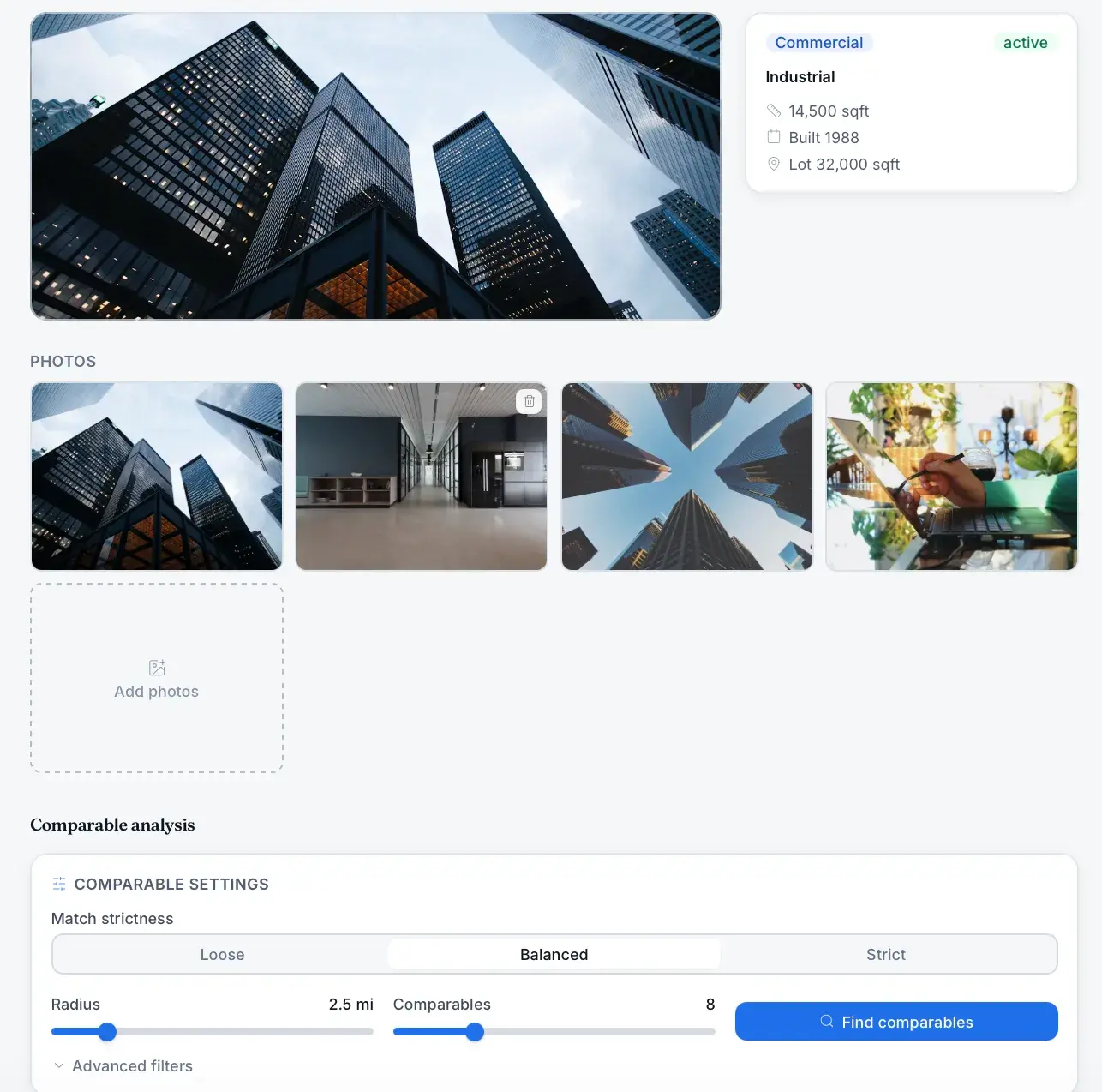
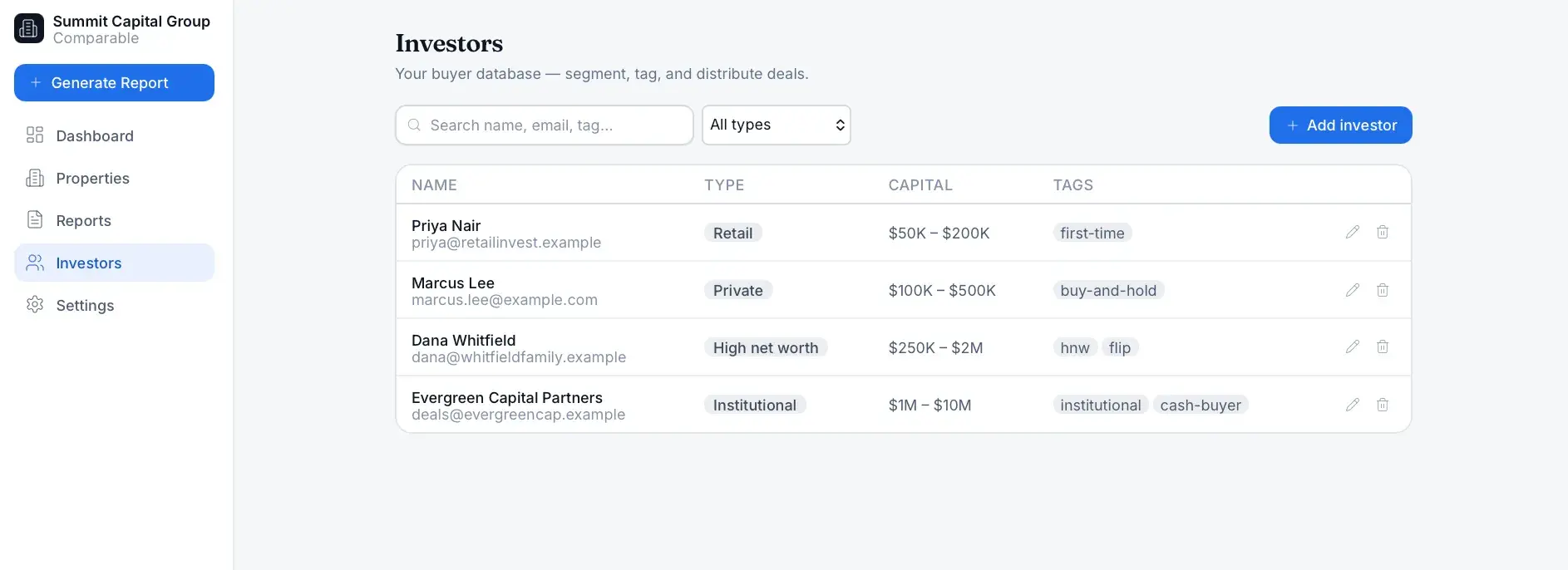
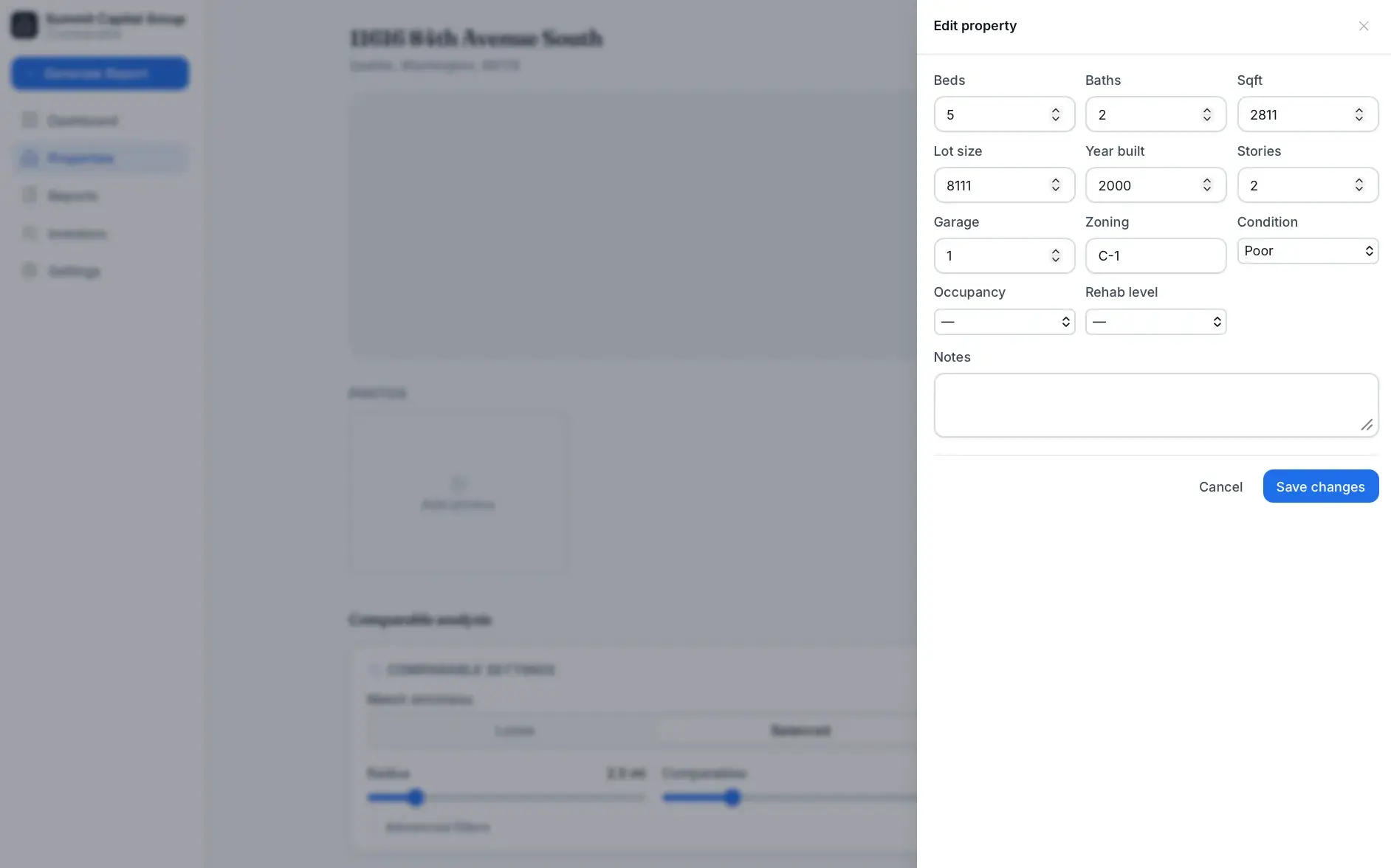
A Next.js and React app with Prisma over PostgreSQL (Docker locally, Neon in production), NextAuth authentication, and Leaflet/OpenStreetMap maps. PDFs render server-side with Puppeteer and Chromium, files persist through a storage provider seam (Vercel Blob or S3), and ATTOM/RentCast, Claude, and Resend email are optional integrations behind mock/log defaults.
A first-pass AI diligence analyst that builds an acquisition risk profile from public data, APIs, and uploaded documents.
Location intelligence that scores ZIP codes by industry-specific expansion opportunity.
Strategy-based real estate deal-analysis SaaS that models rentals, flips, BRRRR, and creative-finance deals in minutes.
Start a project and reference this one — the conversation begins with what you have already seen.
Start a project