 Built In Oasis
SiteFlow Daily
In DevelopmentVisual jobsite handoff and project timeline platform for construction crews and management.
A drag-and-drop seating chart and event map builder for planners.
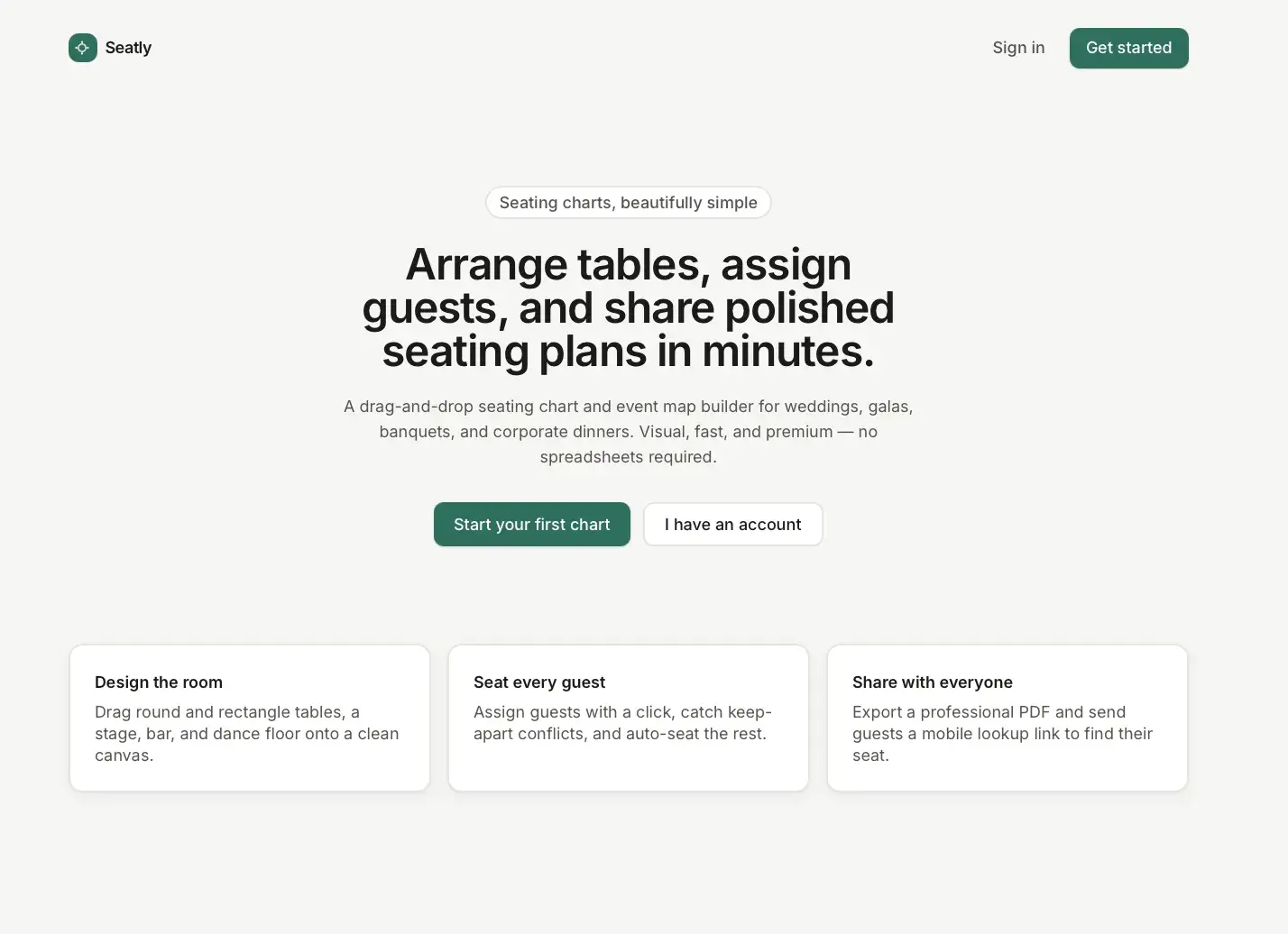
Event seating is usually handled through a messy mix of spreadsheets, handwritten notes, PDFs, venue diagrams, and last-minute text messages. It is hard to visualize the room, place tables cleanly, track who is seated, avoid relationship conflicts, make the chart look professional, and send assignments to guests and staff.
Built for Wedding and event planners, venue and banquet coordinators, and corporate, church, and nonprofit event teams.
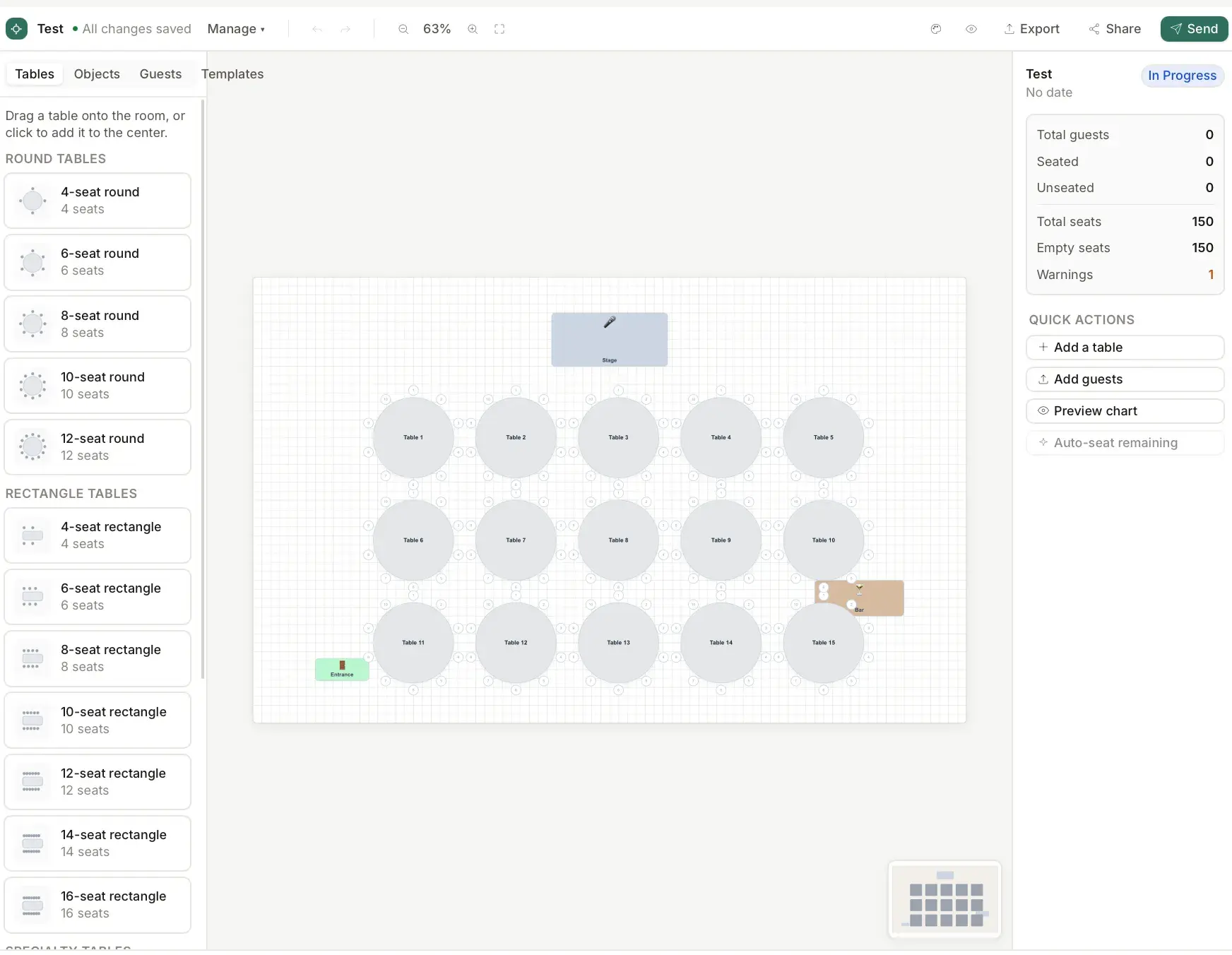
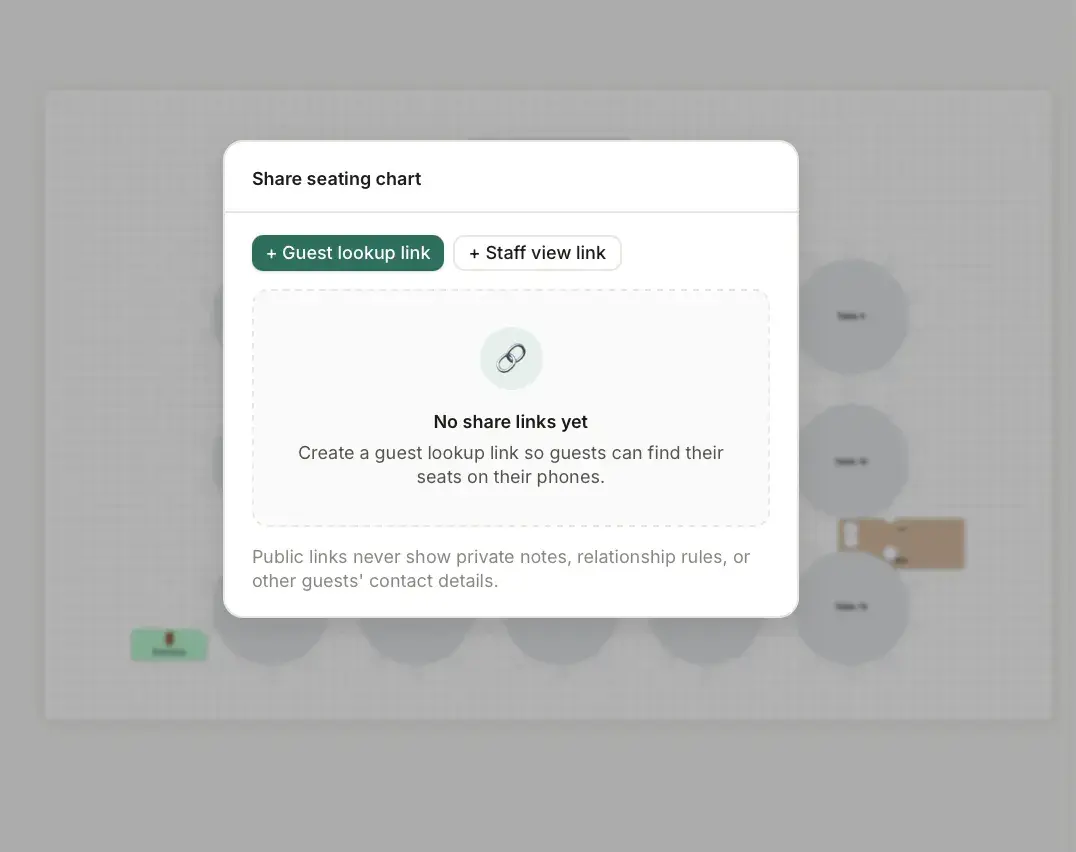
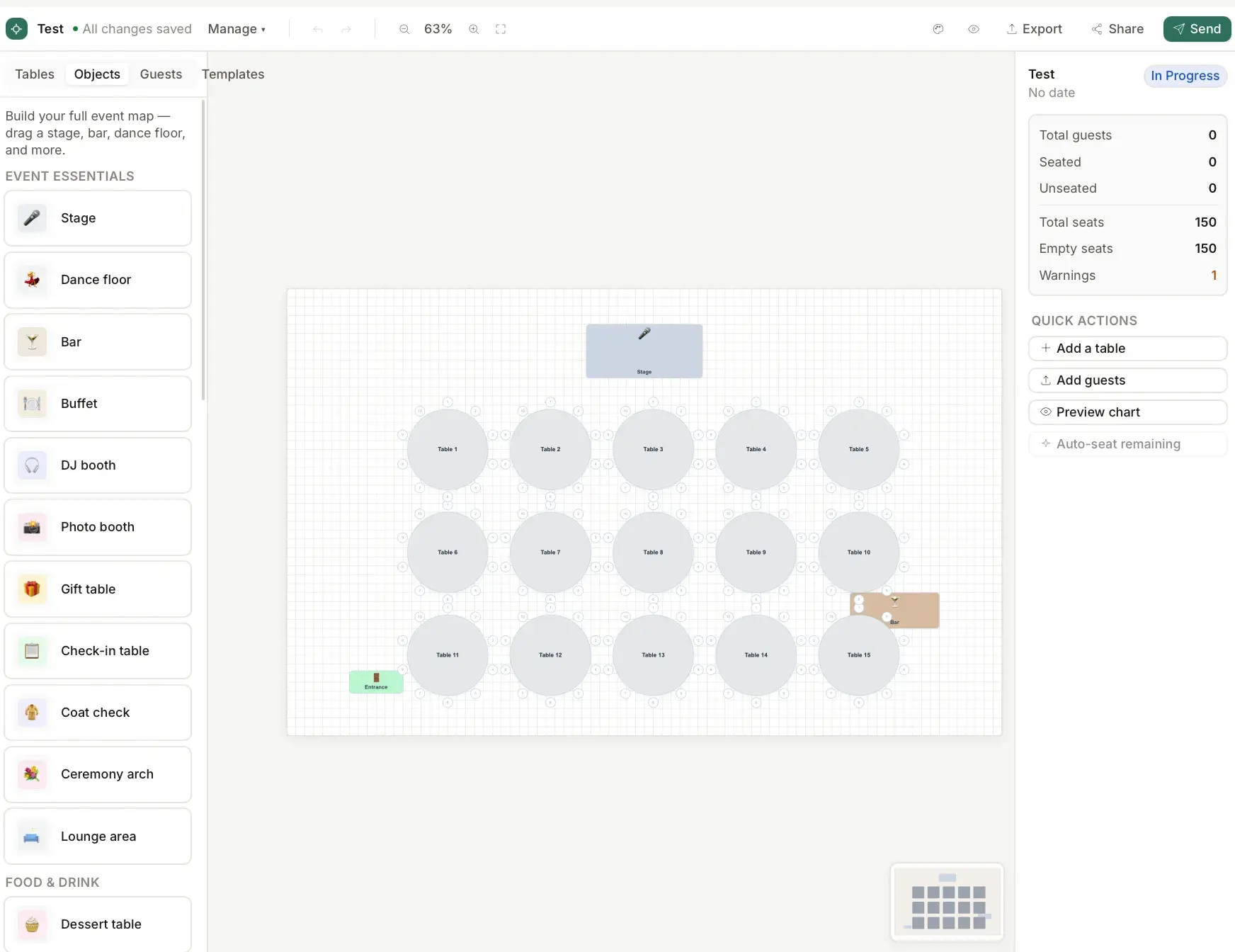
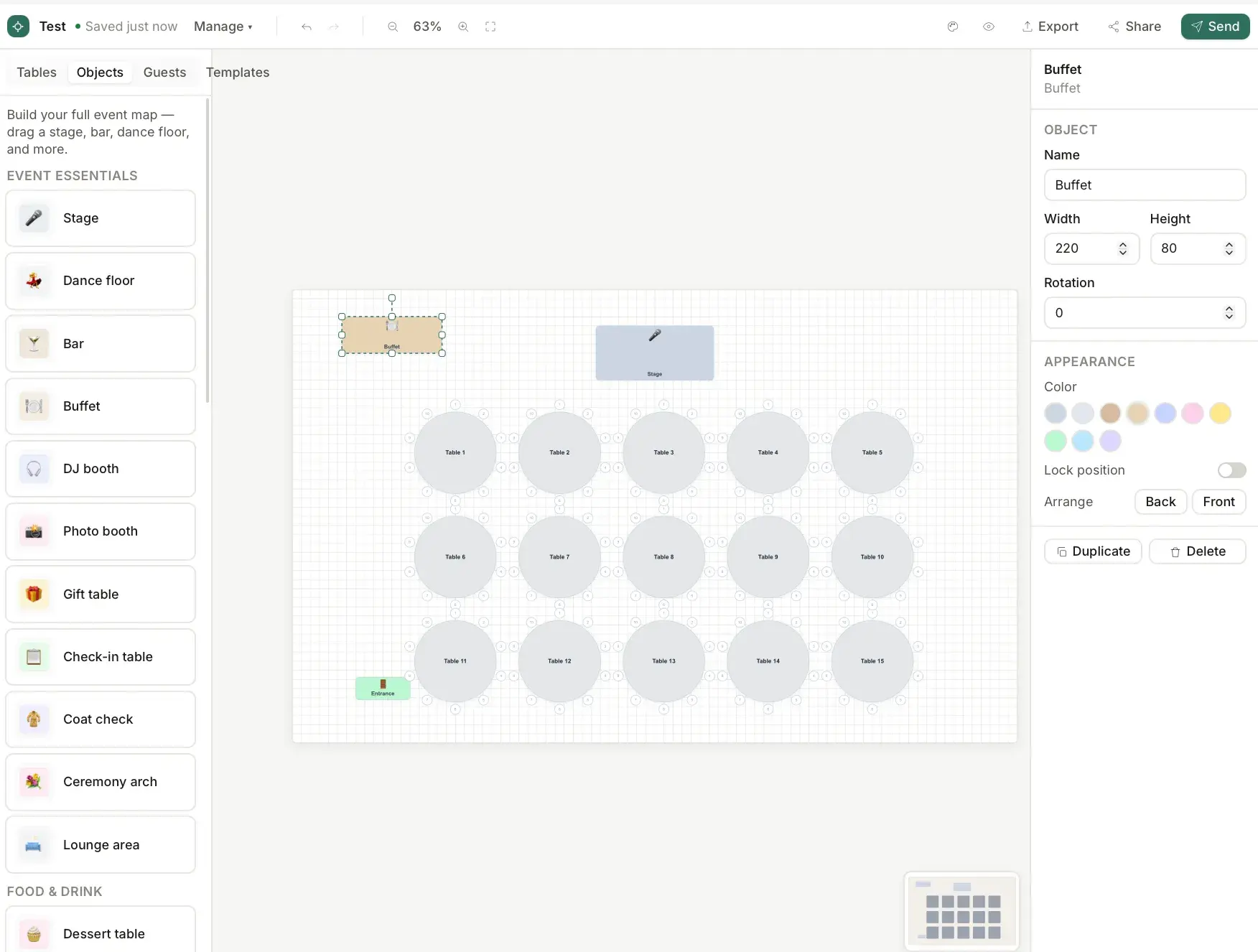
The Event Table Assignment Tool is a drag-and-drop seating chart and event map builder for planners. Users create an event, lay out a room on a 2D canvas, drag in tables and event objects like a stage, bar, dance floor, and entrance, import or add guests, and assign them to seats. Tables auto-generate seat nodes, a warning system flags unseated guests, over-capacity tables, and keep-apart or seat-together conflicts, and a basic auto-seat feature drafts assignments by group. Finished charts export to PDF and can be shared as a guest-lookup link, a read-only staff view, or emailed seating assignments.
A performant interactive 2D canvas with drag, rotate, snap, zoom and pan, undo/redo, and auto-save built on React Konva, automatic seat-geometry generation per table shape, a relationship-aware warning and auto-seat engine, CSV guest import, PDF generation, and role-scoped public share views.
Canva for event seating charts — a visual drag-and-drop room and seating builder, not technical floorplan software.
Event Dashboard
Create, open, duplicate, archive, and track events by status.
New Event Flow
Event basics, room template, and style in a few steps.
2D Room CanvasReact Konva canvas
Drag, move, rotate, snap, zoom, pan, and multi-select.
Table Library
Round, rectangle, and specialty tables with auto-generated seats.
Event Object Library
Stage, bar, dance floor, entrance, decor, and labels.
Seat Generation
Seat coordinates computed per table shape and seat count.
Guest List
Add, edit, tag, group, and filter guests with RSVP and meal choice.
CSV Guest Import
Upload, map columns, validate, and dedupe guests.
Guest Profiles & Photos
Photos with initials fallback and relationship rules.
Seat Assignment
Drag a guest to a seat, or move, swap, and unassign.
Relationship Rules & Warnings
Keep-apart, seat-together, and conflict flags.
Auto-Seat
Drafts seating by group while respecting locks and capacity.
Theme System
Event themes applied to the canvas and exports.
PDF Export
Full map, table list, guest lookup, and staff views.
Share Links & Guest Lookup
Guest, staff, and planner views by token.
Email Assignments
Batch-send seating assignments with delivery status.
Undo/Redo & Auto-Save
Event-scoped history and debounced saving.
A Next.js, React, and TypeScript app using React Konva for the canvas and Zustand for editor state, backed by Prisma and PostgreSQL. Guest photos are processed with Sharp, charts render to PDF with pdf-lib, and share links expose read-only guest and staff views.
Visual jobsite handoff and project timeline platform for construction crews and management.
Lifetime health passport for pets: timeline, medical records, vet snapshot, and secure sharing.
Central CRM that unifies a cluster of home-service apps under one role-based platform.
Start a project and reference this one — the conversation begins with what you have already seen.
Start a project